How to modify the Password Manager Service account
Password Manager runs as a service. The service account is the account you use to run the Netwrix Password Manager service. The Password Manager installer prompts you for the credentials of this account.
Modify the service account
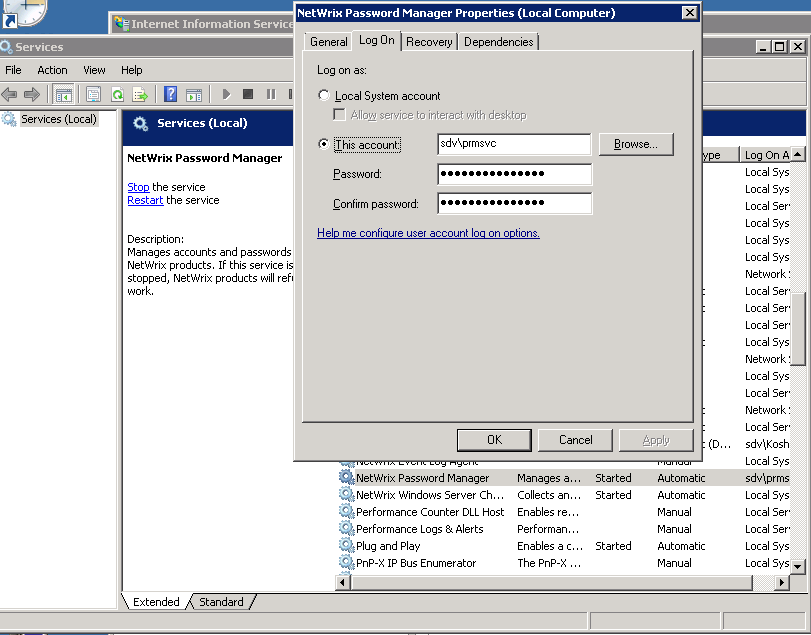
To modify this account after installation, do the following:
- Run the Services snap-in (navigate to Start -> Run and type
services.msc). - Locate the Netwrix Password Manager service.
- Right-click it and select Properties.
- Navigate to the Log on tab.
- Specify the account you want to use to run the service.
- Click OK and restart the service.