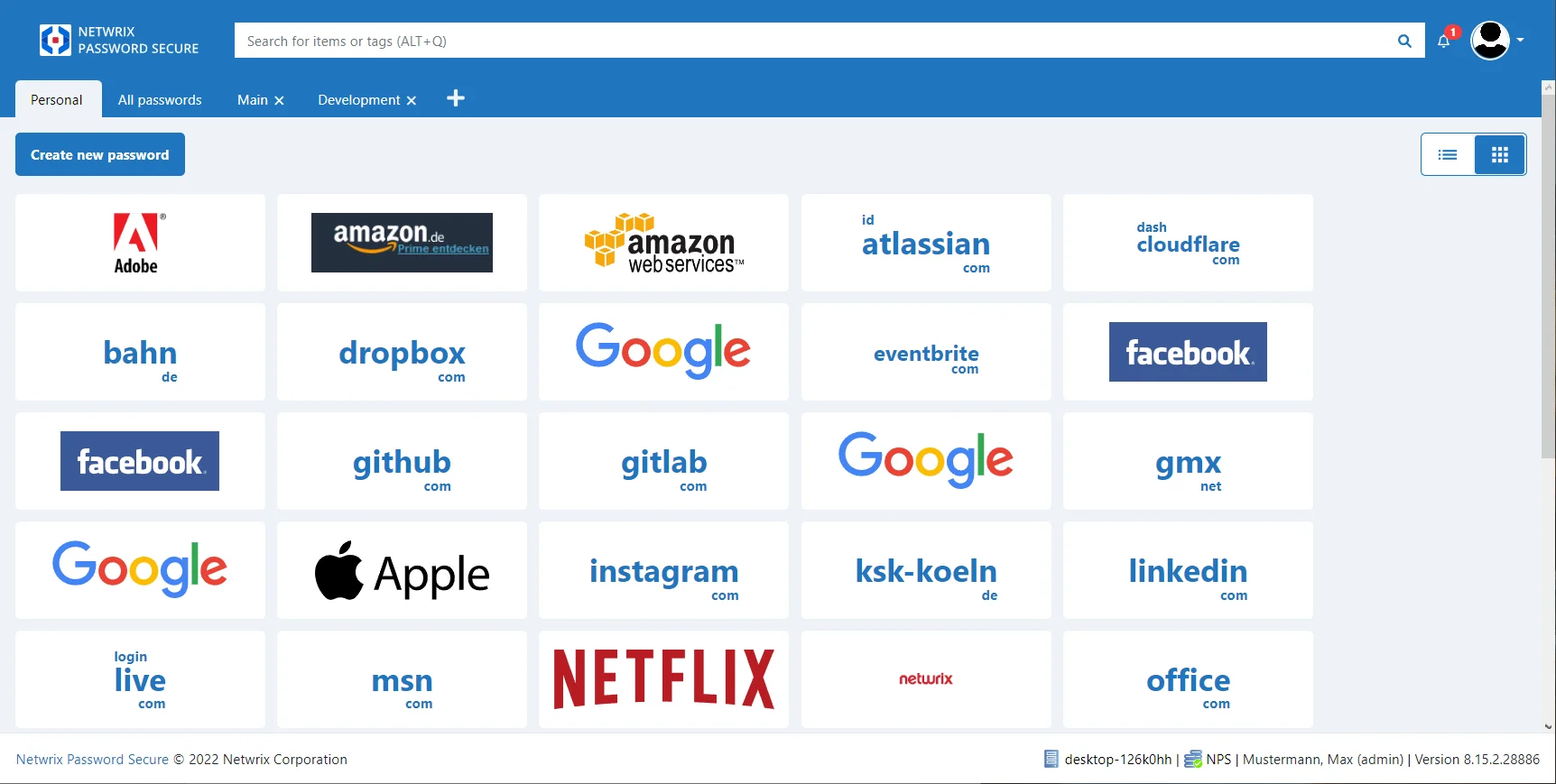
Start and Login
Starting the Web application
To start the Basic view, the Web application must be started first.
As soon as the login mask appears, the login data of the corresponding user are entered there. It is essential to ensure that the variant set up by the administrator is used. There are several options for this:
local user:
e.g. administrator (user name administrator)
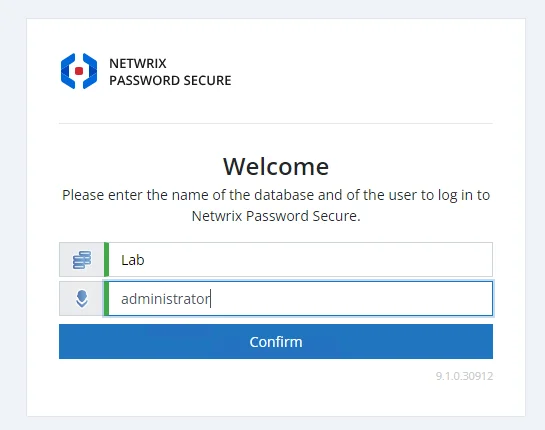
AD User:
There are 2 possibilities here:
-
username like the local user (e.g. administrator)
-
domain and username (e.g. nps\administrator)
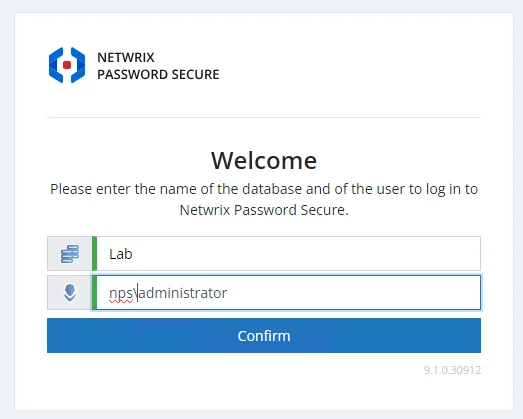
Please ask your administrator if you are not sure which login details apply to you!
Change to the web view of the Basic view
As soon as the login was successful, you are now either:
- directly in the web view of the Basic view, because the user is a Basic view user.
or
- in the Web Application. To switch from the Web Application to the Basic view web view, you have to click on your profile name. There you will be offered the option "Switch to the Basic view".

The Basic view web view is in no way inferior to the Basic view. The same functions are given except for the download of the favicons (icon, symbol or logo used by web browsers to mark a website in a recognizable way).