Application
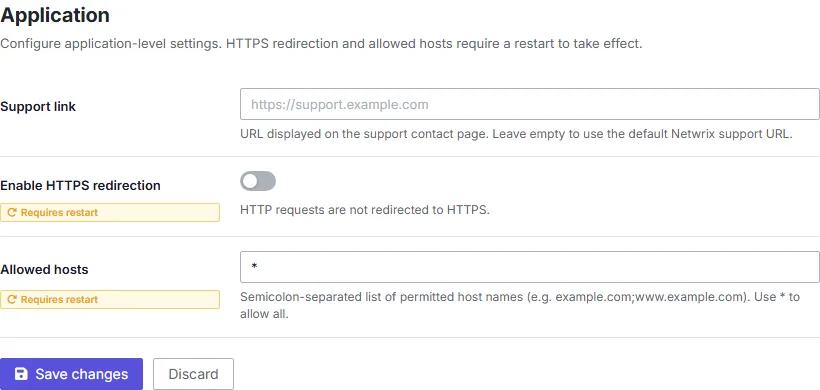
The Application screen controls a few application-level settings.
Changes to these settings take effect within about 30 seconds, without a restart.
- Support link — The URL PingCastle Enterprise shows to users who need to contact support, for example from a help menu or error page.
- HTTPS redirection — Forces browsers to redirect from HTTP to HTTPS when accessing PingCastle Enterprise.
- Allowed hosts — A comma-separated list of hostnames PingCastle Enterprise accepts requests for. PingCastle Enterprise rejects any request whose
Hostheader doesn't match this list. Set this to match every hostname your users and agents use to reach the server, including load balancer or reverse proxy hostnames.