Scanning and Scheduling
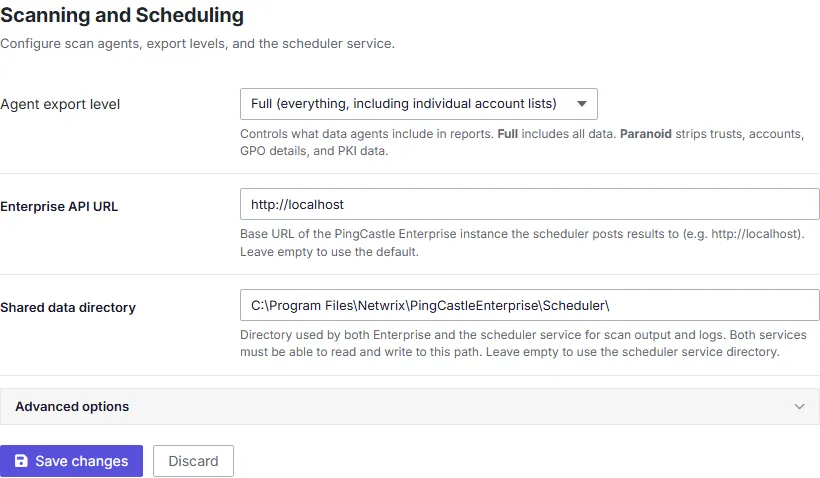
The Scanning and Scheduling screen configures the connection settings and limits that the scheduler service and agents use to run scans. See Active Directory scan scheduling for how credential profiles and scheduled scans use these settings.
Changes to these settings take effect within about 30 seconds, without a restart.
- Data path — The root folder where PingCastle Enterprise stores scan data and results.
- Enterprise API URL — The URL agents use to reach the PingCastle Enterprise API. Agents running on remote domain controllers or servers use this URL to submit scan results back to Enterprise.
- Agent export level — How much detail an agent includes when it exports scan results to Enterprise, for example a full data export versus a reduced one.
- Max concurrent scans — The maximum number of scans the scheduler runs at the same time. Increase this to run more scans in parallel on hardware that can handle the additional load, or decrease it to reduce resource contention.
- Execution history retention (days) — How many days of completed scan job execution history PingCastle Enterprise keeps before deleting it.