Importing reports
PingCastle Pro lets administrators consult all report data and make decisions. You can import reports for a maximum of five different domains. See License.
You can't yet launch scans directly from the application, so you must launch the PingCastle tool in standalone mode and then import the reports it produces.
There are two ways to import reports.
Import a file manually
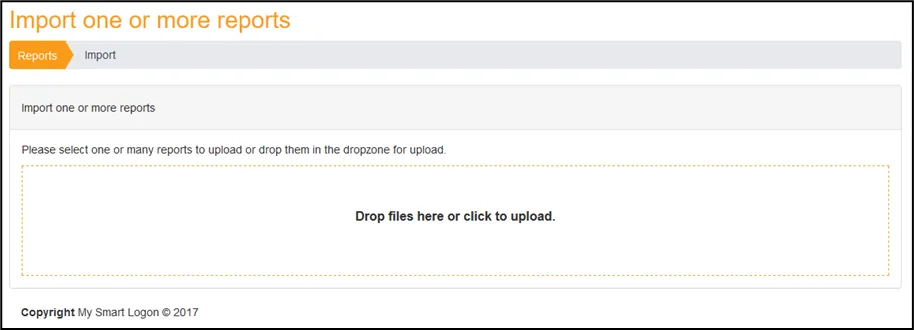
- From the Configuration tab, open Import one or more reports.
- Drag and drop any file the PingCastle standalone executable produces. It uploads to PingCastle Pro.
After the upload finishes, PingCastle Pro marks the file with either a success or a failure. For a failure, hover over the item to display the associated error message.

Import automatically with an agent
Agent mode uploads reports from the PingCastle standalone executable with an API key. Get the key from Configuration > Agents, then run PingCastle with the --api-endpoint and --api-key options. See Agent deployment for how to create the key, build the command line, and import existing reports in bulk.
The Agents page also has a link to browse the API.