Validate the Data
Accurate documentation is critical to support your change management and clean up processes. Platform Governance for Salesforce provides automated tools to ensure that your customizations are documented properly.
Status Report
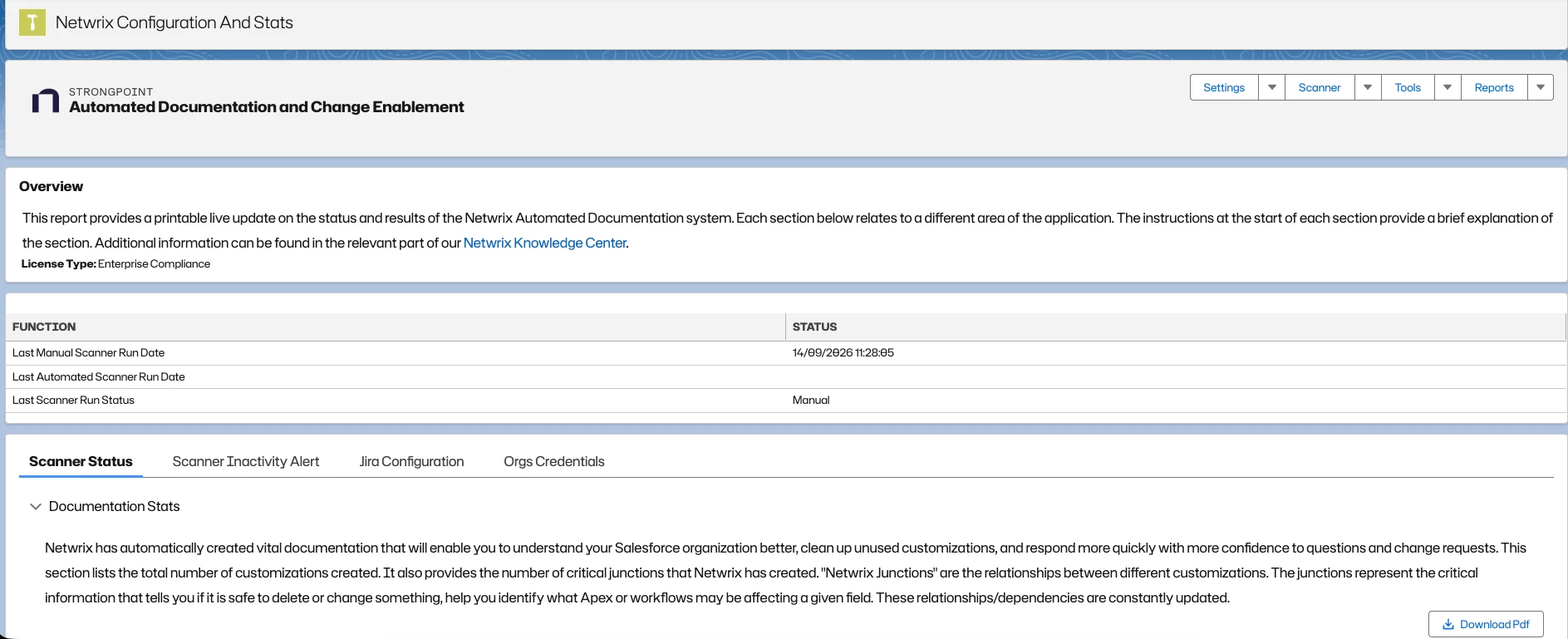
You can validate data by checking the status report. The status report is available to download as a PDF.
From the Netwrix Dashboard: click Configuration and Stats in the Resources section, or open Settings > Configuration and Stats.
Dependency Relationship Diagram
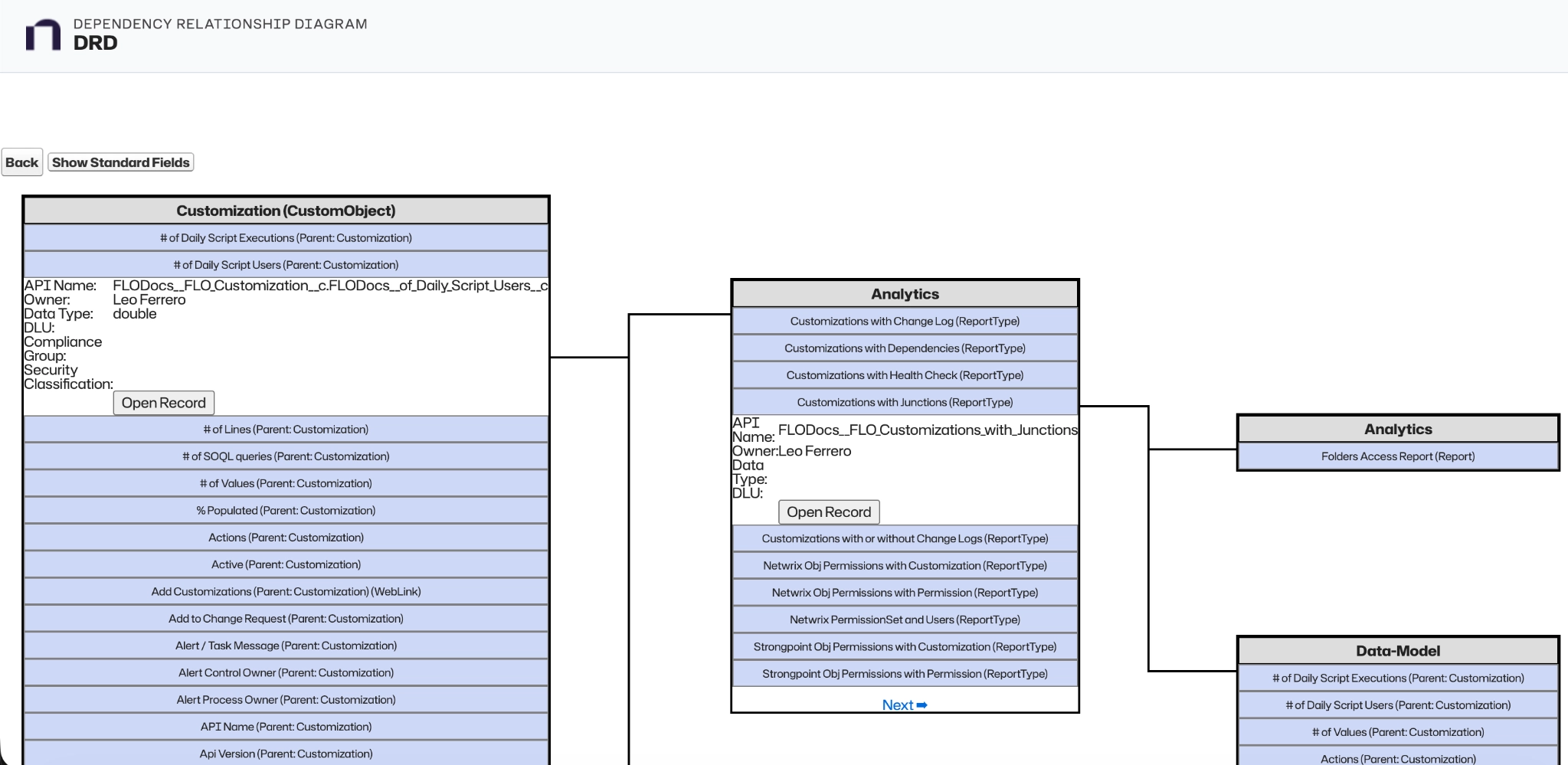
You can check data by navigating the Dependency Relationship Diagram (DRD) and selecting object types.
To validate data with the DRD:
- Open Netwrix Dashboard > Tools > Dependency Relationship Diagram.
- Select an Object Type from the pull-down menu.
- Click a field and validate the data.