Finder
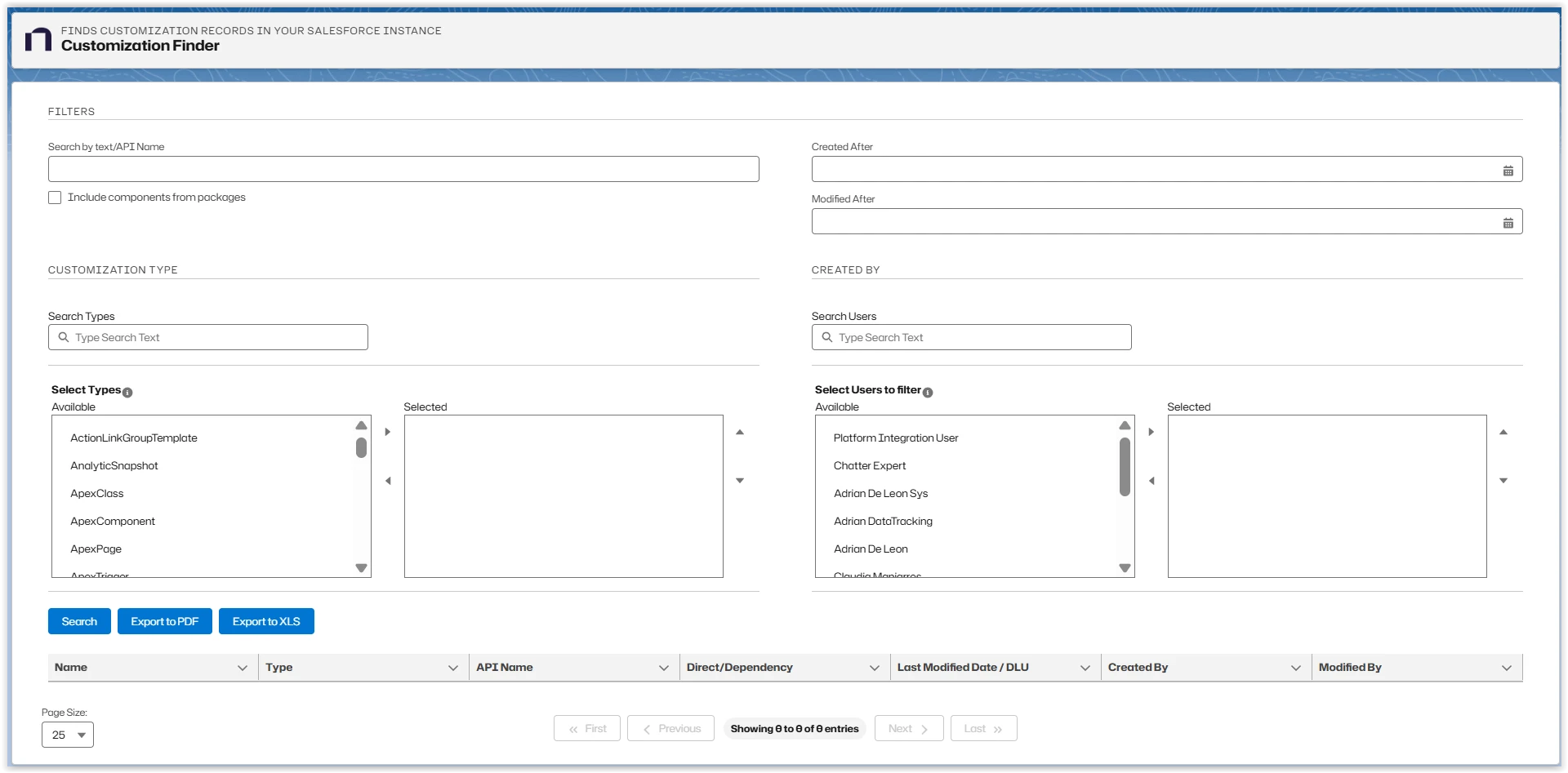
Platform Governance for Salesforce's Finder searches and finds standard and customized objects created by the scanner.
To use the Finder:
- Open Netwrix Dashboard > Tools > Finder
- Enter the Filters information for your search.
- Click Find.
The Results appear. Click the linked Name to view details about each record.
Use the Export to XLS option to export your results to an XLS file where you can sort, reorder, and analyze your information in Excel. You can then update your records using Salesforce tools like Import Wizard and Data Loader.