Dependency Relationship Diagram
Platform Governance for Salesforce's Dependency Relationship Diagram (DRD) displays objects, customizations, and their relationships and dependencies including scripts, reports, and workflows in a graphical diagram.
To use the entity diagram:
- Open Netwrix Dashboard > Tools > Dependency Relationship Diagram
- Select the object to view.
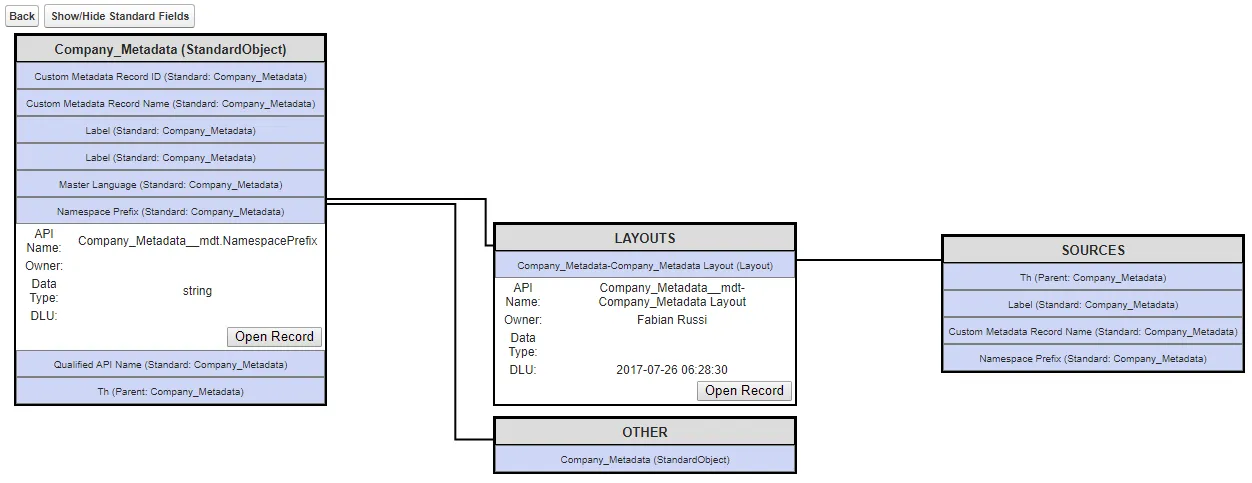
- The diagram displays the object and customizations under it. Use Show/Hide Standard Fields to toggle the display of Standard Fields for searching non-standard fields.
- Click any item to expand the graphical representation of objects, dependencies, and associated relationships. If there are more than 10 entries, a Next option is available at the end to expand the results. Next loads the next 10 entries, Back loads the previous list.
- Click Open Record to open the customization record for the item.
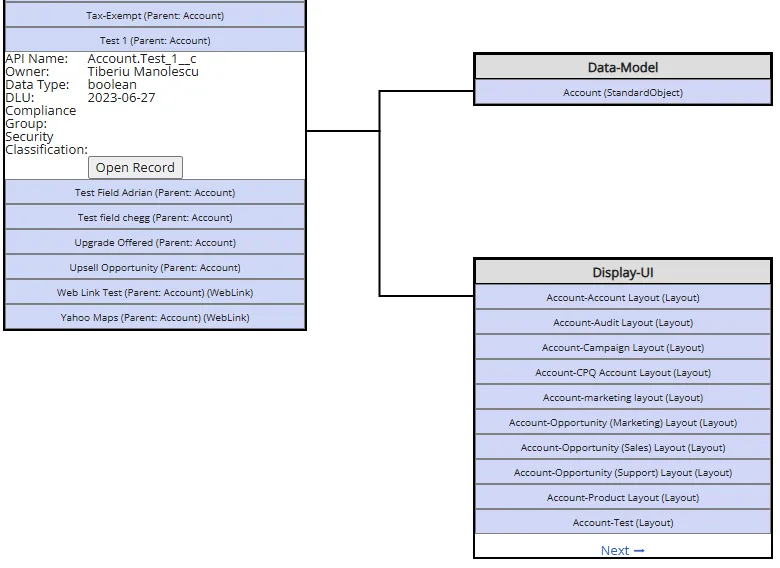
The following example shows the Next feature for Account (StandardObject) > Test 1 (Parent:Account).