Exporting Collections
Using PolicyPak with MDM and UEM Tools explains how to use the PolicyPak Exporter to wrap up any PolicyPak directives and deliver them using Microsoft Endpoint Manager (SCCM and Intune), KACE, you own MDM service, or PolicyPak Cloud. However, we recommend NOT using PolicyPak File Associations Manager directives with PolicyPak Cloud or an MDM service. This is because PolicyPak File Associations Manager directives cannot work with non-domain-joined machines. Regardless, all PolicyPak Cloud customers are licensed for PolicyPak File Associations Manager, so if you decide to use PolicyPak Cloud with some domain-joined machines, PolicyPak File Associations Manager will function as expected using PolicyPak Cloud.
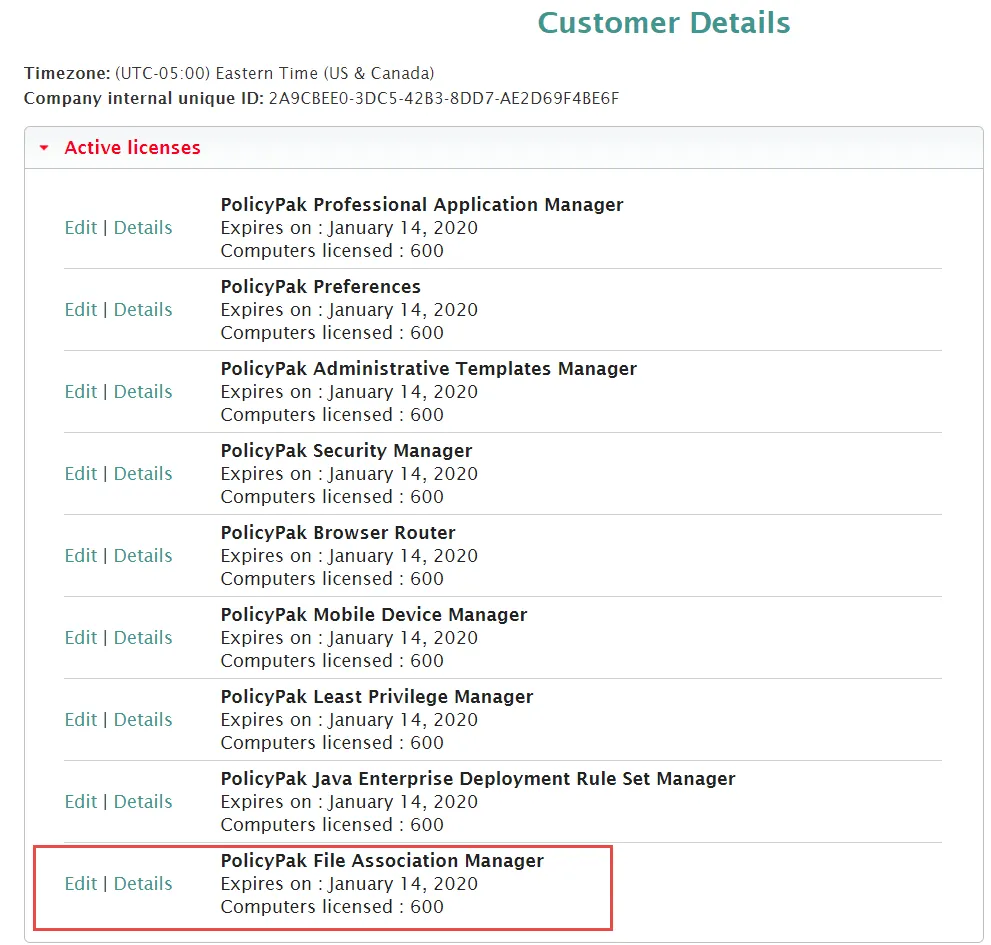
For a video demonstrating the use of PolicyPak Cloud with domain-joined machines. See the PolicyPakCloud and PolicyPak OnPremise – Together using PPCloud Licenses topic for additional information.
To export a policy for later use with PolicyPak Exporter or PolicyPak Cloud, right-click the collection or the policy, and select Export to XML.
For a video showing how to export policies and how to use PolicyPak Exporter.See the Deploying PolicyPakdirectives without Group Policy (PolicyPak Exporter Utility) topic for additional information.
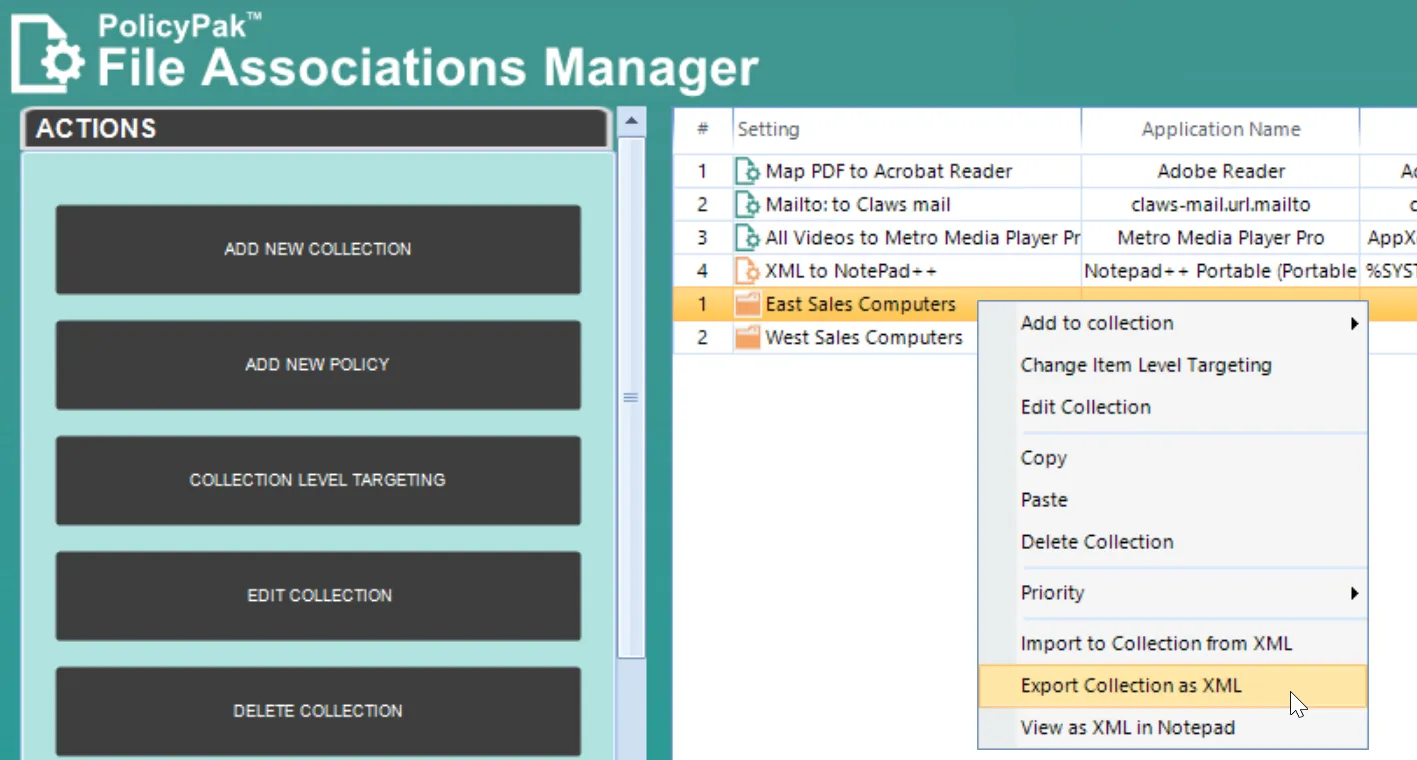
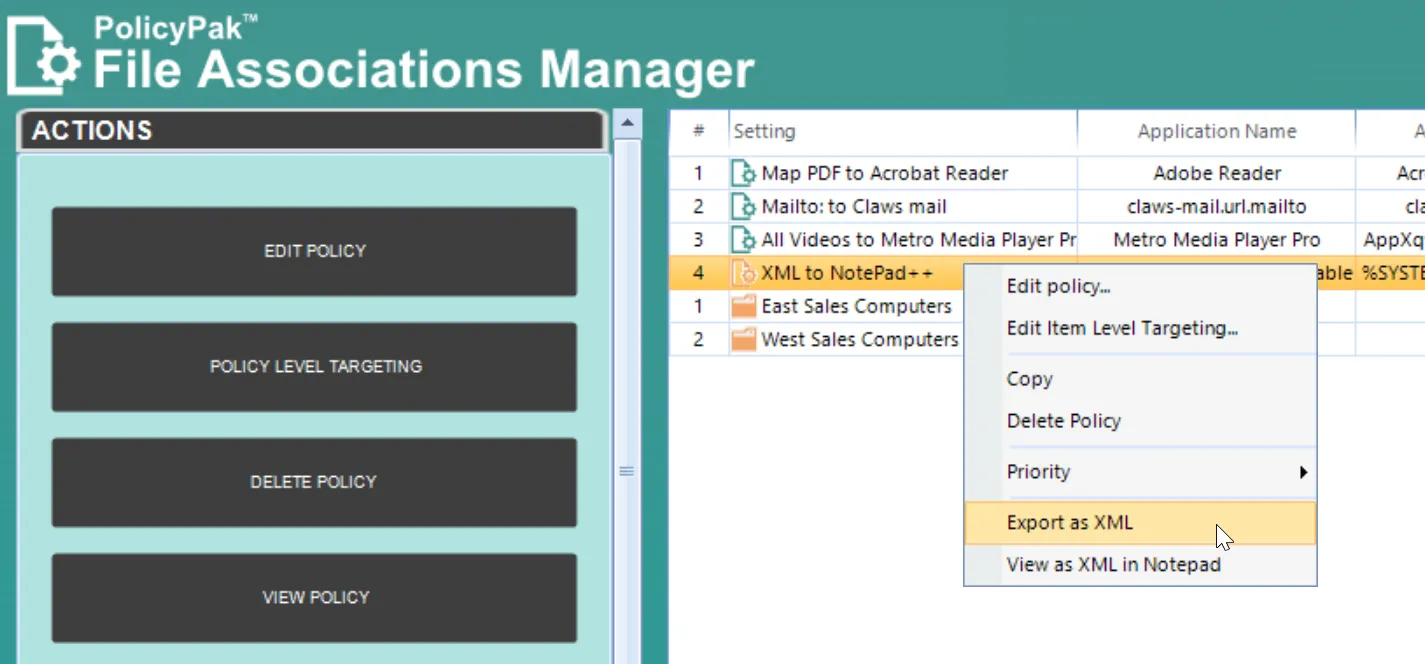
Exported collections or policies maintain any Item-Level Targeting set within them. If you've used items that represent Group Membership in Active Directory, then those items will only function when the machine is domain-joined.