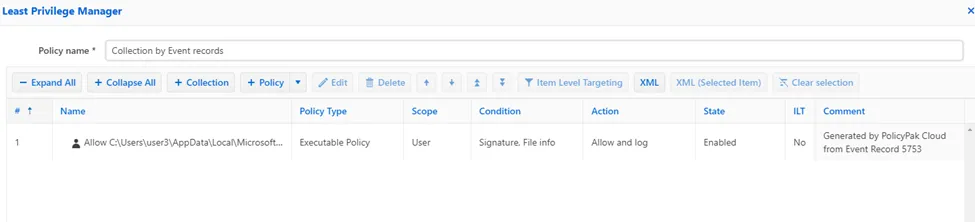
Creating Policy from PolicyPak Cloud Events
In order to receive PolicyPak reports for events via PolicyPak Cloud Event Collector, you will need to complete the following steps:
- Submit a support ticket to activate the Cloud Event Log Collector
- Trialers/Customers will only have a one-day event collection offered at no cost
- 7 Day, 14 Day, or 30 Day storage intervals for retained events
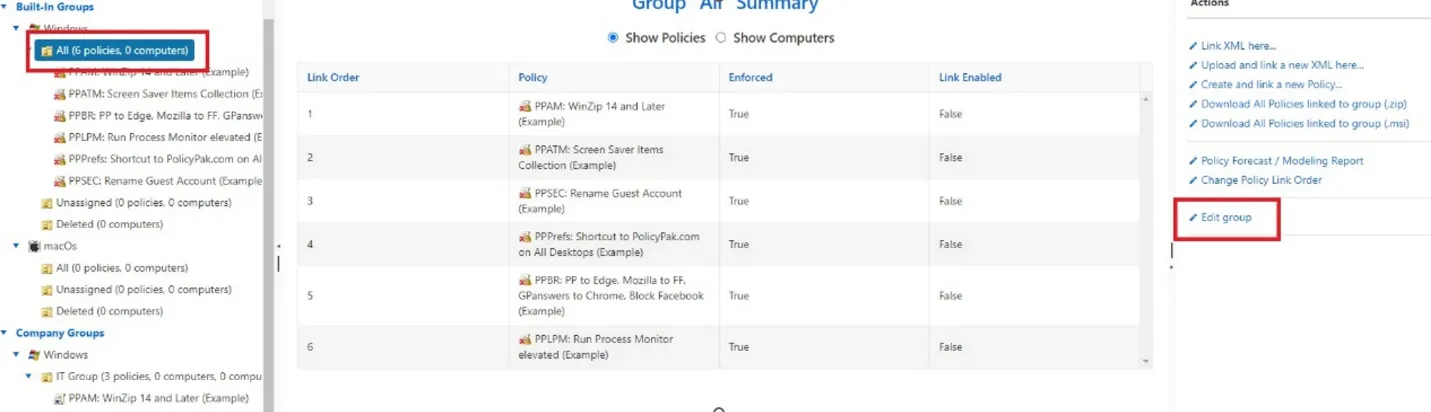
Step 1 – Select the Company Group you want to push events to PolicyPak Cloud and select Edit Group.
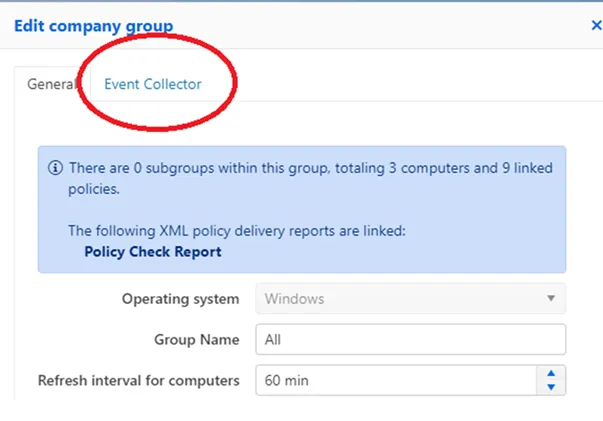
Step 2 – Select the Event Collector,Refresh interval for computers time setting.
Step 3 – Select the Event IDs you want to collect.
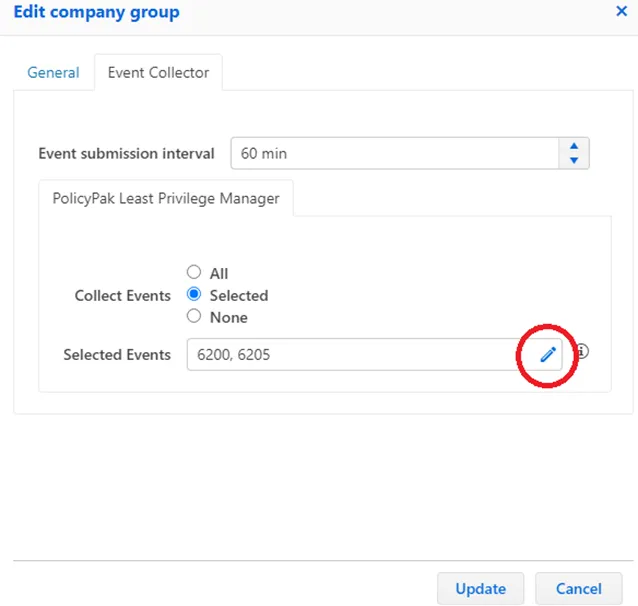
You can select the drop-down option to select the Event IDs. See the List of PolicyPak Event Categories and IDs topic for a list of PolicyPak Event IDs.
Step 4 – Go to the Reports section to see the events that have been generated.
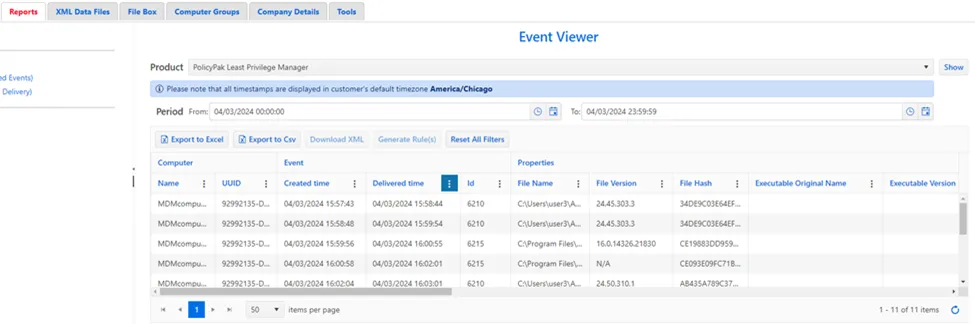
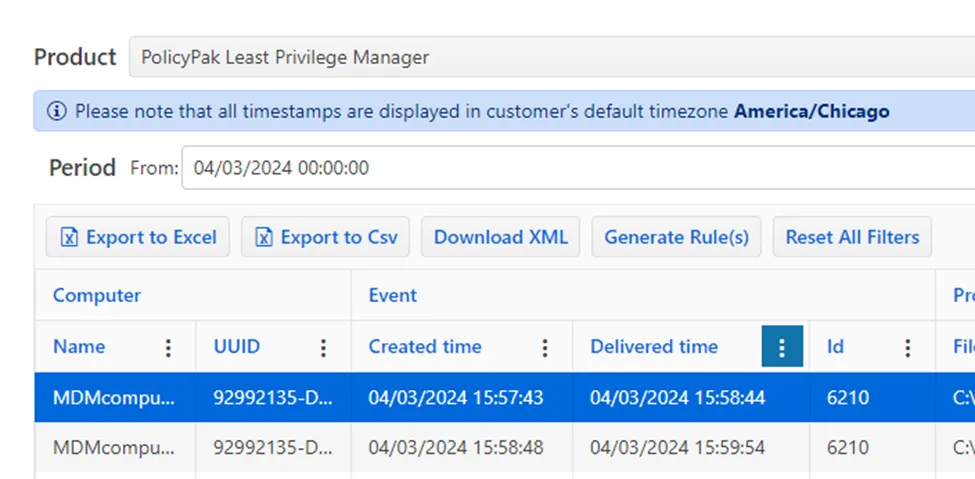
Step 5 – Use the Generate Rule(s) wizard to create policies from forwarded events.
Step 6 – Final Result: a Rule is created and you can edit the policy name and/or change the conditions if needed.