Understanding Process Scoping & Filters
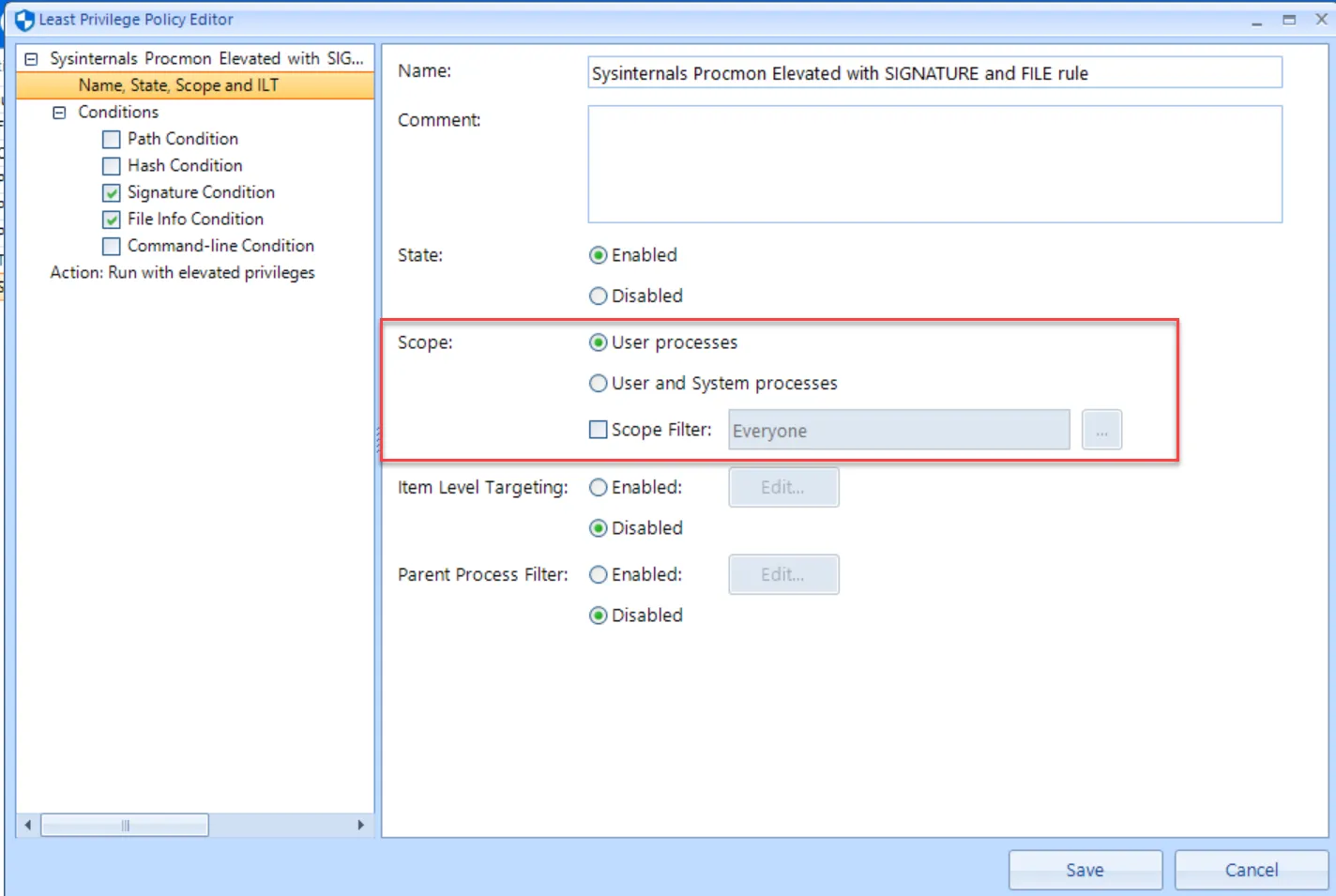
The Scope filter section can be found in various rule types in PolicyPak Least Privilege Manager. For instance, it exists in every explicit rule, like this:
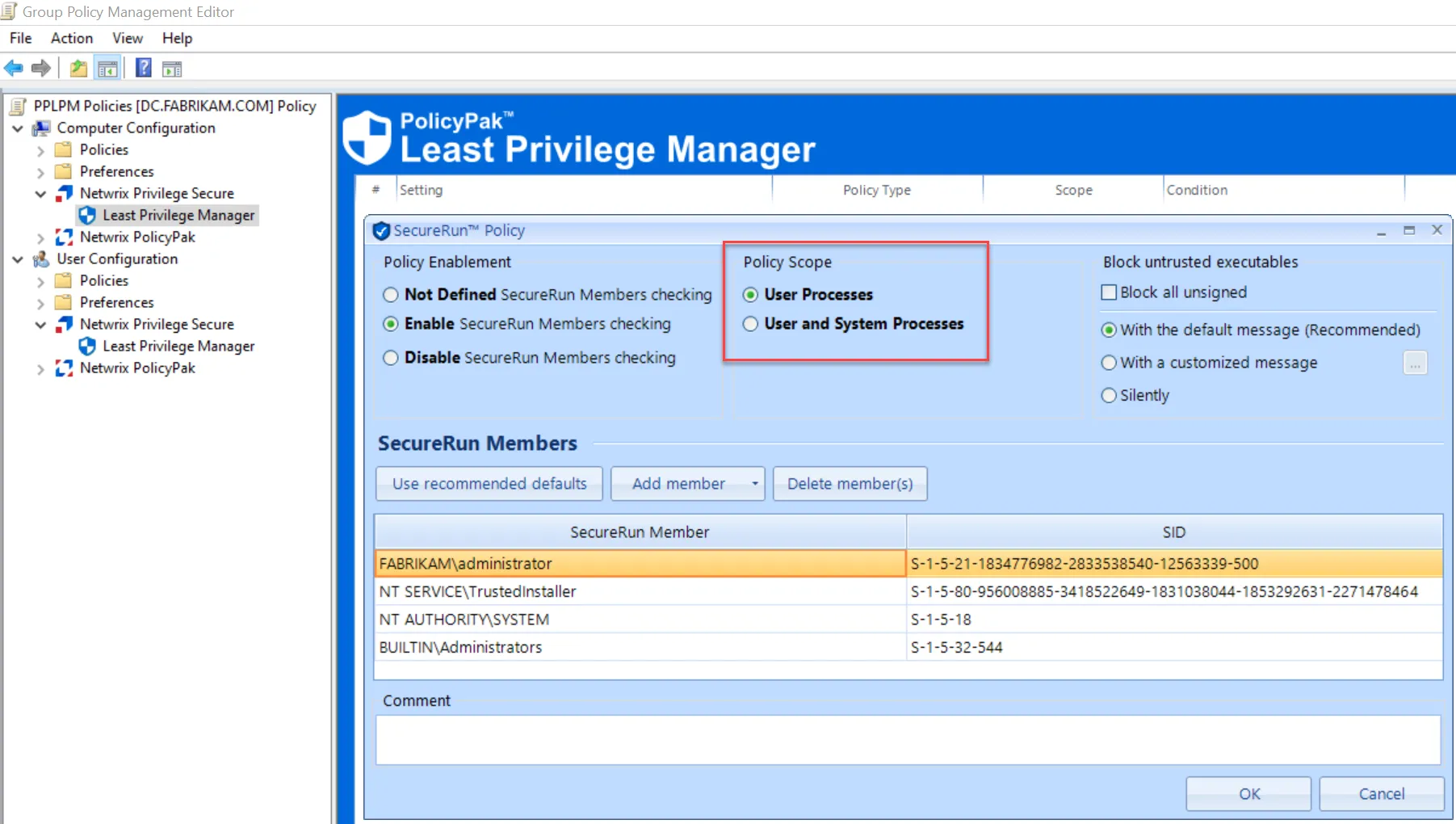
And also in SecureRun™ rules:
note
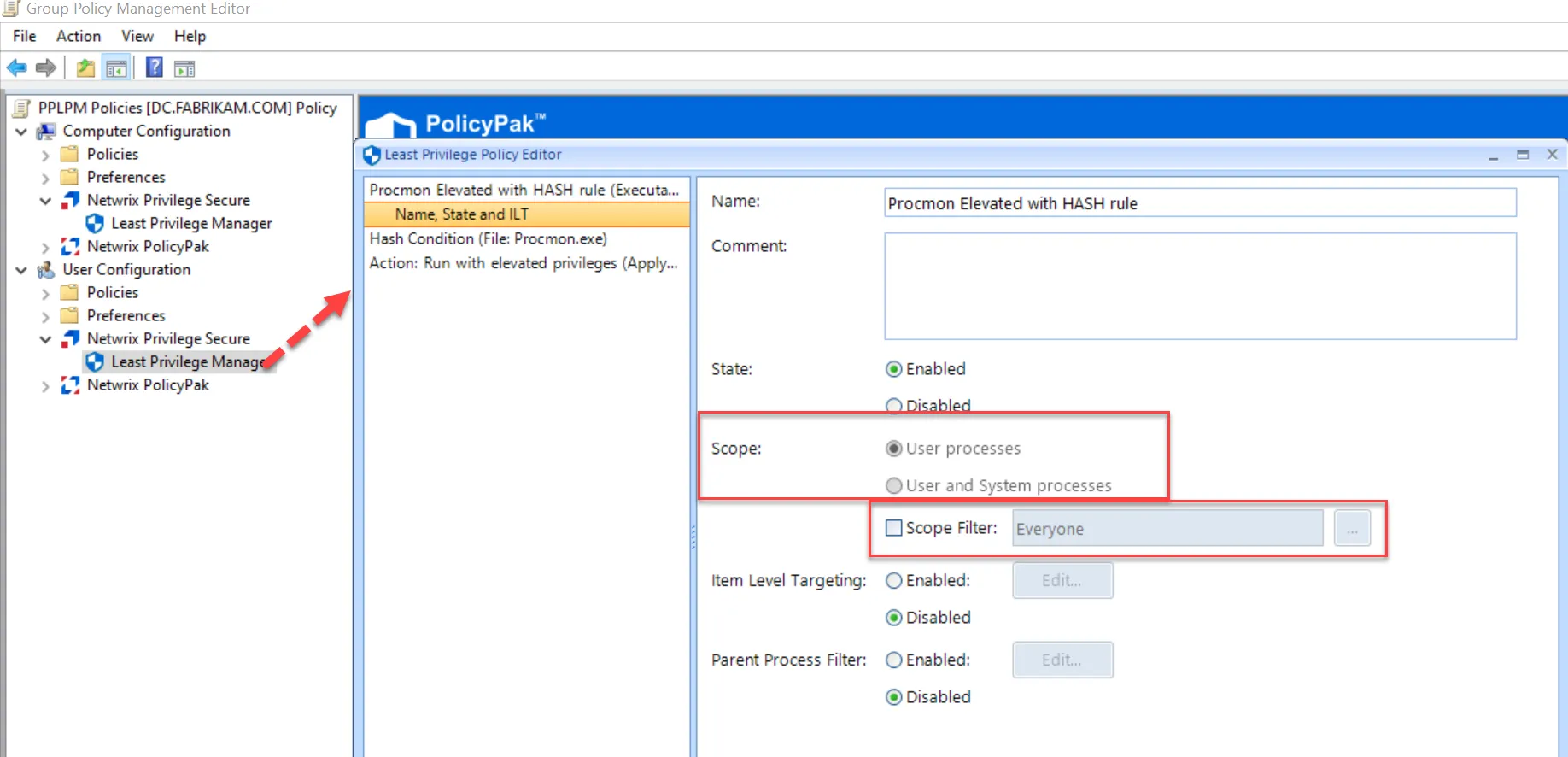
The Policy Scope option for Processes is only available when used on the Computer side; on the User side it is greyed out because this setting is only meant to express to the COMPUTER (system) how to work with User and User and System Processes. On the User side, the processes are always in the context of the User. However, the Scope filter for Users & Groups is available on the User side.
In this topic, we will explore various use cases when you might use the Policy Scope option (which again, will only be un-gray / valid on the Computer side.)