Configuring Netwrix PolicyPak to Run Programs with Elevated Privileges via Privilege Secure
Summary
This article outlines the process of configuring Netwrix PolicyPak to integrate with Netwrix Privilege Secure. This integration allows PolicyPak to be granted on-demand privilege elevation when launching a specified program from a server or workstation. It is assumed that PolicyPak is already installed and configured. In this example we will configure the integration with dbeaver.exe, but the configured program can be anything.
Additionally, the Netwrix PolicyPak documentation offers two video demos that outline the NPS/PolicyPak integration: https://kb.policypak.com/kb/section/429/
Instructions
- On the PolicyPak server, locate the PolicyPak installer’s zip archive. This archive will contain a directory with the following name:
\PolicyPak ADMX (Troubleshooting)\PolicyDefinitions\
-
Reference this PolicyPak video to decide how you want to implement the ADMX settings: https://kb.policypak.com/kb/article/505-troubleshooting-with-admx-files/
-
Create a domain-based GPO (
GPMC.MSC) or a local Group Policy (GPEDIT.MSC), and ensure the endpoint machine(s) will be addressed. Navigate to the Bypass SbPAM server SSL certificate verification setting under the indicated path:
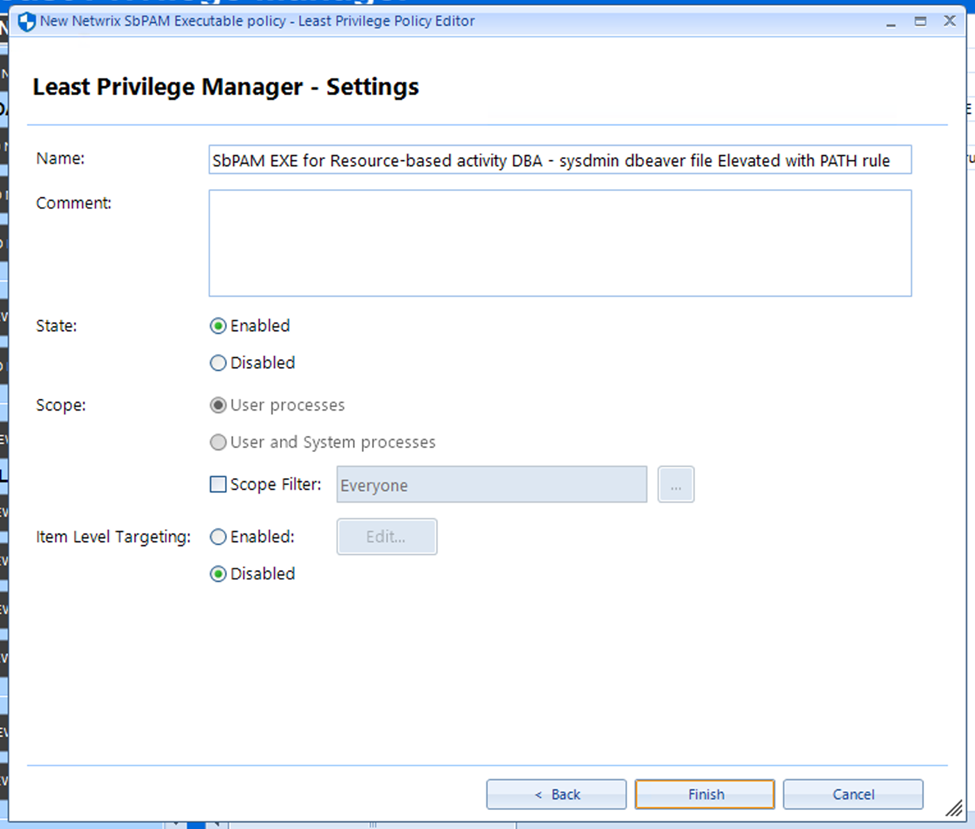
- You should now be able to launch the indicated program with elevated privileges by right-clicking and selecting the Netwrix PolicyPak context menu entry.