Using the PolicyPak Security Settings Manager Export Wizard
Click on Export this GPO's Computer-Side Security Settings forPolicyPak Exporter and PolicyPak Cloud. The PolicyPak Security Settings Manager export wizard will appear.
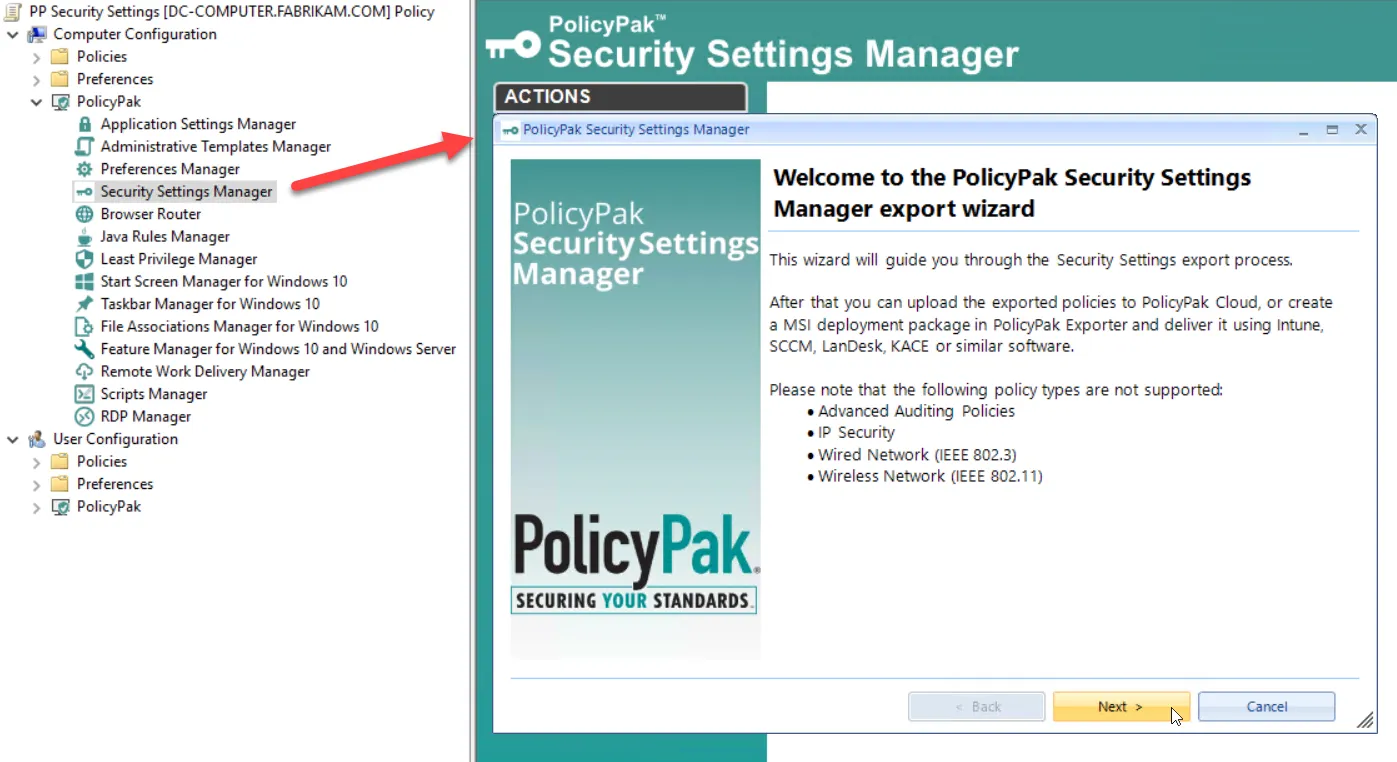
When you click Next, the Export Wizard analyzes the current GPO's security settings and presents the security categories currently used within the GPO.
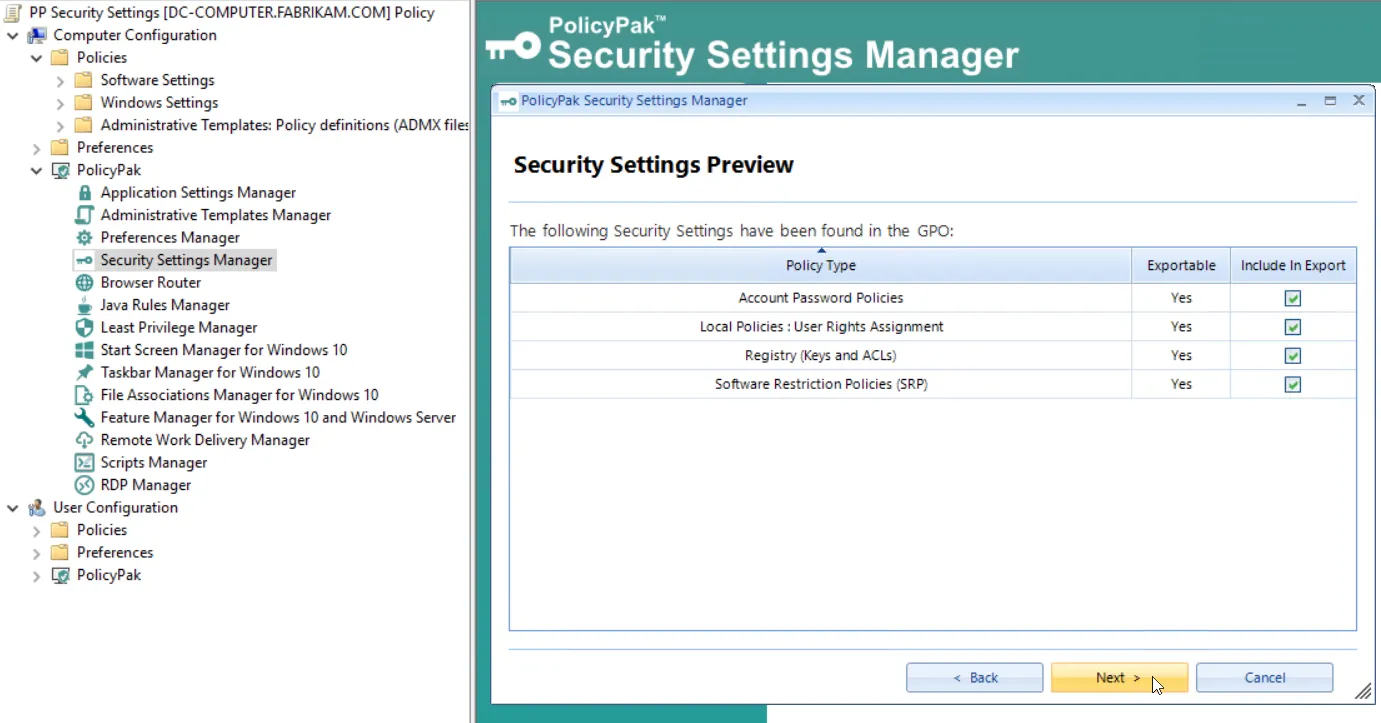
Currently, all supported security settings within the GPO will be exported when you click Next. Note that some settings are interlocked and others are not. so not all may be individually selected for exporting.
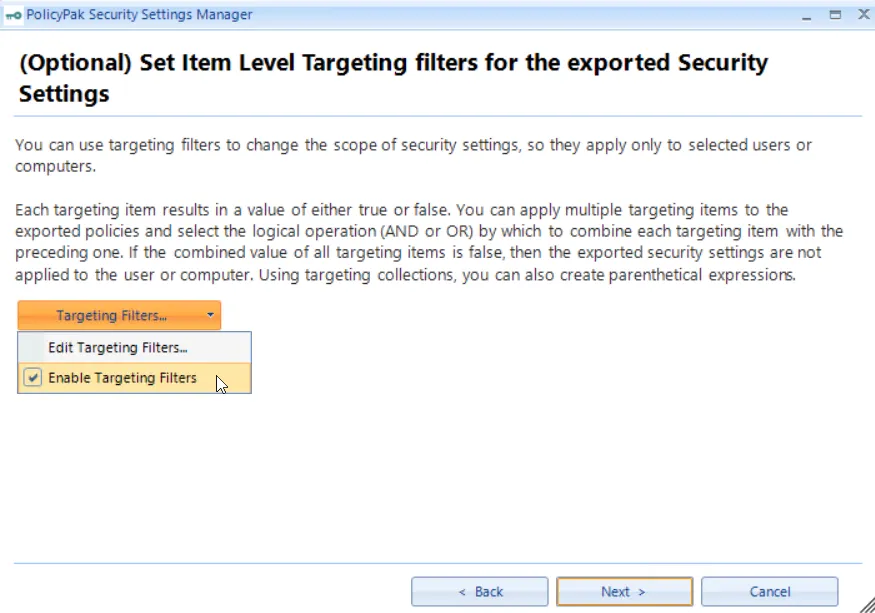
Clicking Next brings up the Item-Level Targeting filters screen.
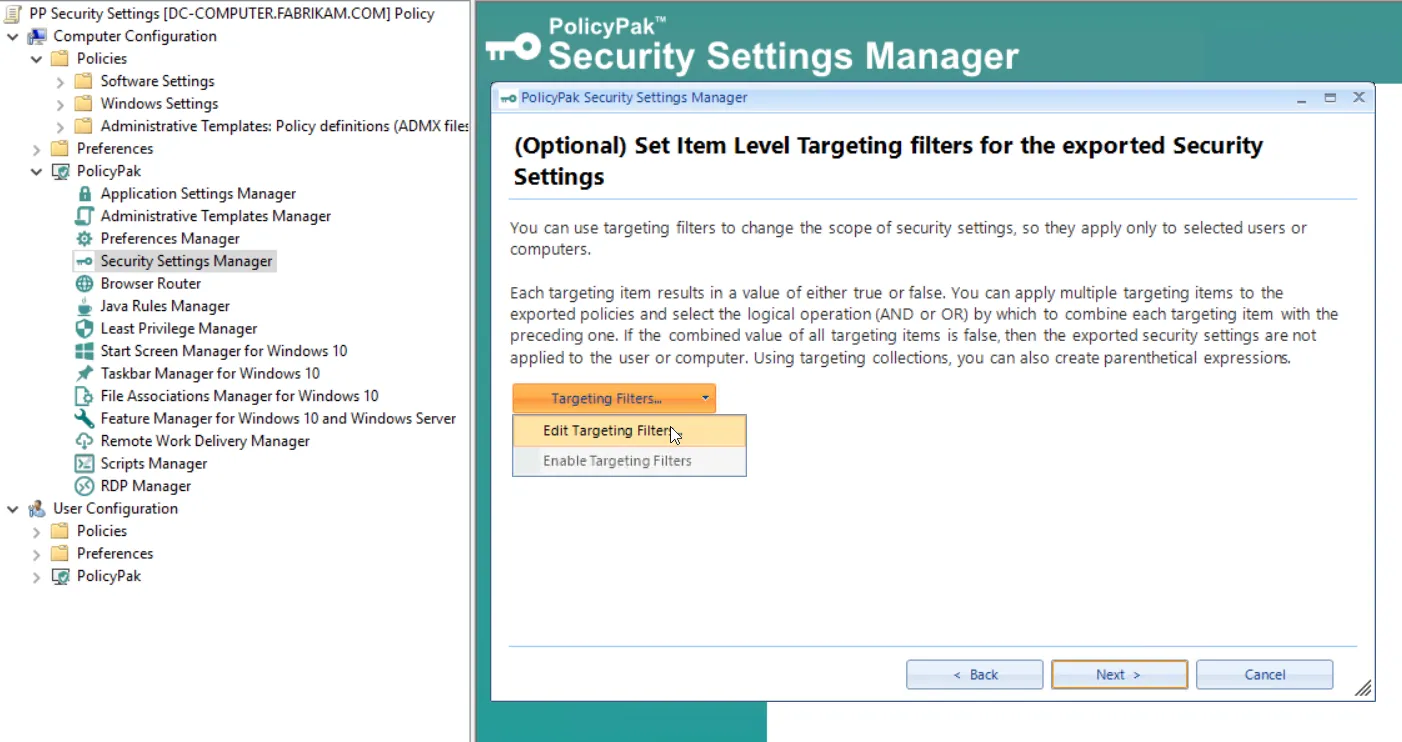
Below you can see the basic capabilities of the Targeting Editor. Item-Level Targeting is being applied to members of the Traveling Sales Users group that have a portable computer with Windows 10.
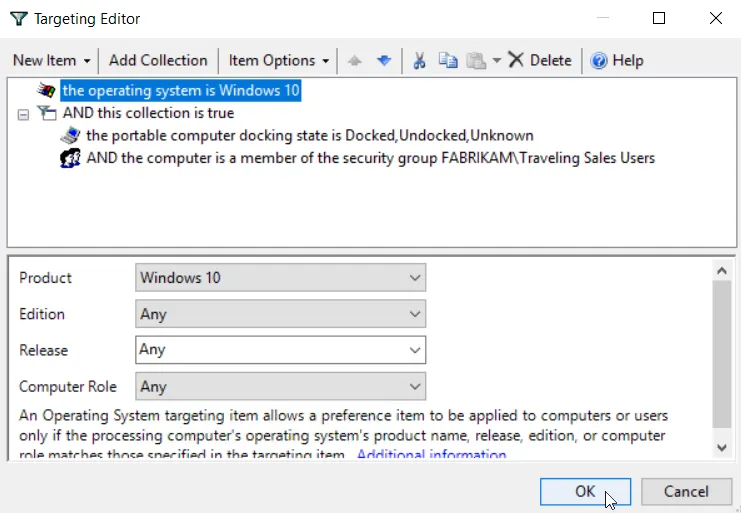
Setting Item-Level Targeting is completely optional. If desired, when the exported XML file is used with PolicyPak Exporter or PolicyPak Cloud, these filters will specify exactly which users and computers will get these exported settings. If you change your mind and don't wish to use any targeting filters, simply uncheck Enable Targeting Filters, which will then remove any filters you put in place.
On the final page of the PolicyPak Security Settings Manager Export Wizard, provide a location and filename to save your XML file.
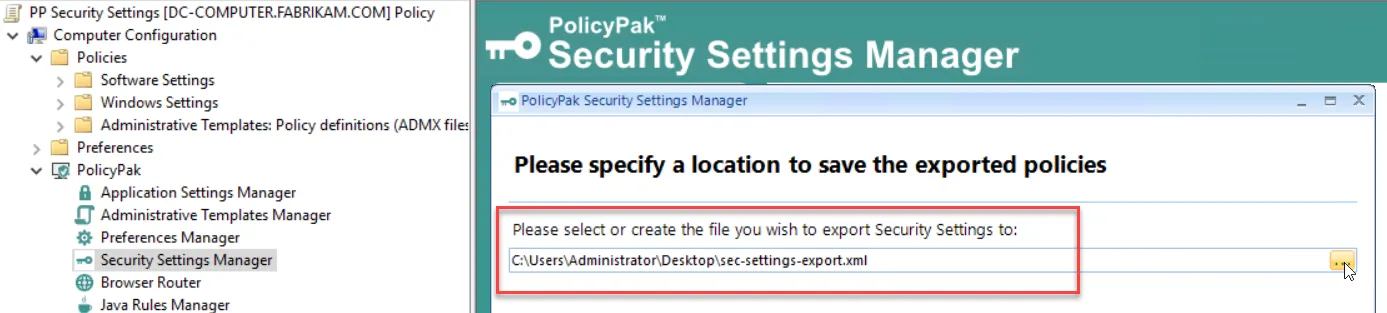
Keep this file handy since you'll use it with PolicyPak Exporter or PolicyPak Cloud. To learn more about how to deliver settings outside of Group Policy, be sure to read Appendix A, Using PolicyPak with MDM and UEM Tools.