Exporting Collections
Appendix A: Using PolicyPak with MDM and UEM Tools explains how to use the Netwrix PolicyPak Exporter to wrap up any PolicyPak directives and deliver them using Microsoft Endpoint Manager (SCCM and Intune), KACE, your own MDM service, or PolicyPak Cloud.
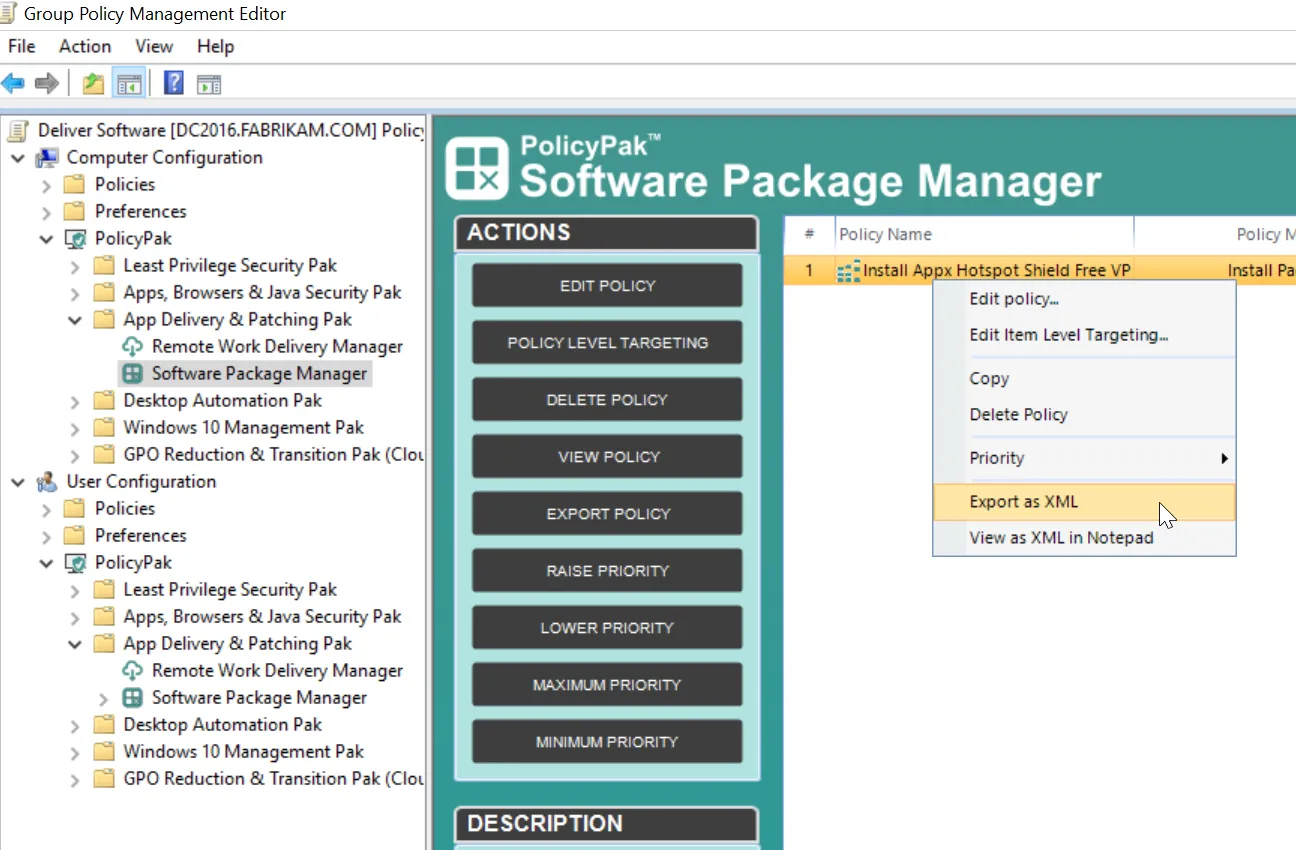
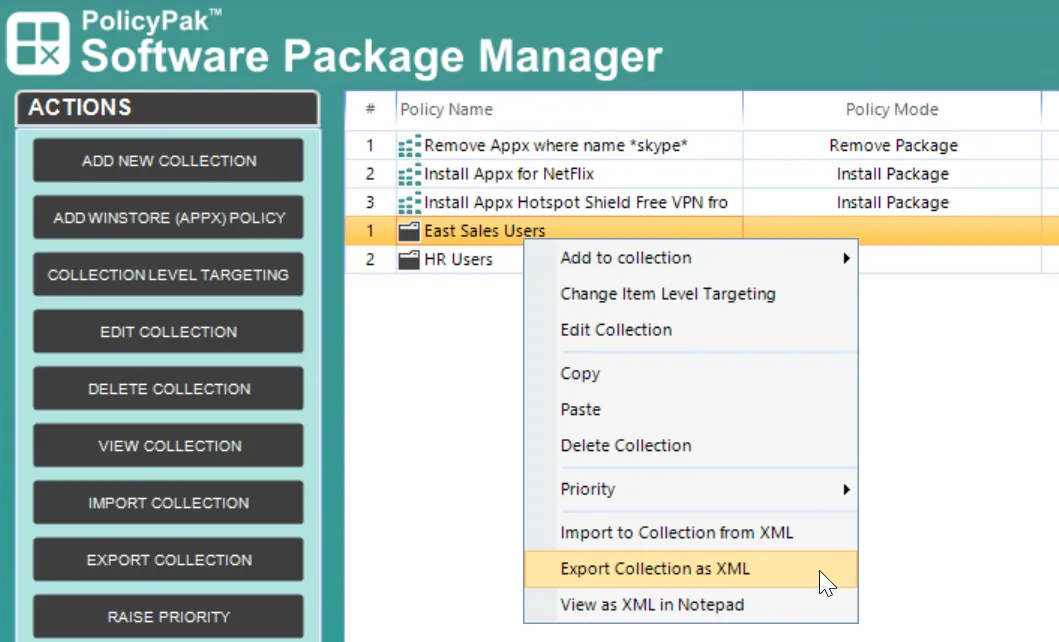
To export a policy for later use using PolicyPak Exporter or PolicyPak Cloud, right-click the collection or the policy and select Export to XML. This will enable you to save an XML file, which you can use later.
Remember that PolicyPak RDP policies can be created and exported on the User or Computer side. For instance, below you can see an item being exported from the Computer side.