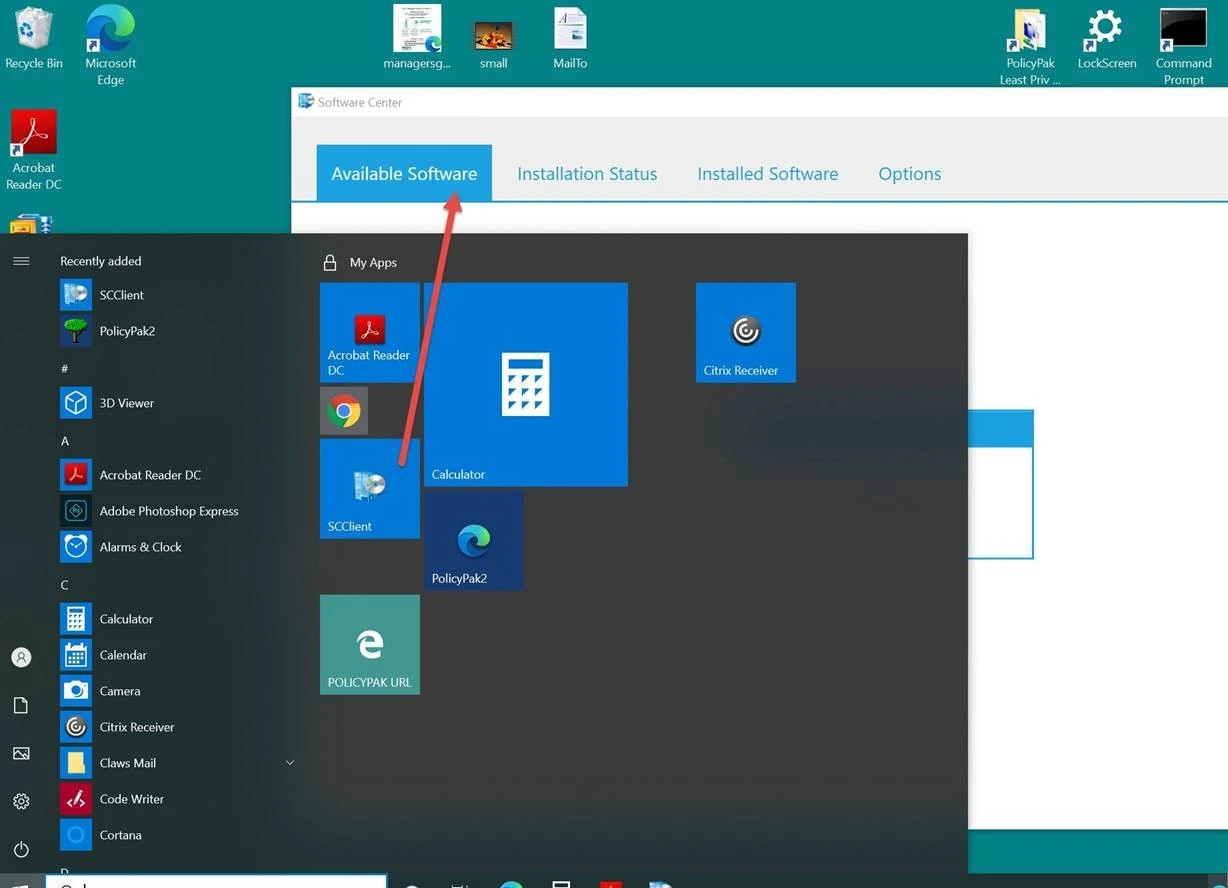
How do I add the SCCM Software Center to the Start Screen or Taskbar?
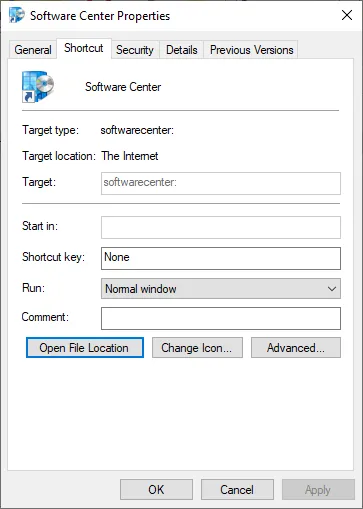
The normal shortcut for the SCCM Software Center looks like this; but Netwrix PolicyPak Start Screen & Taskbar Manager doesn't support this kind of link.
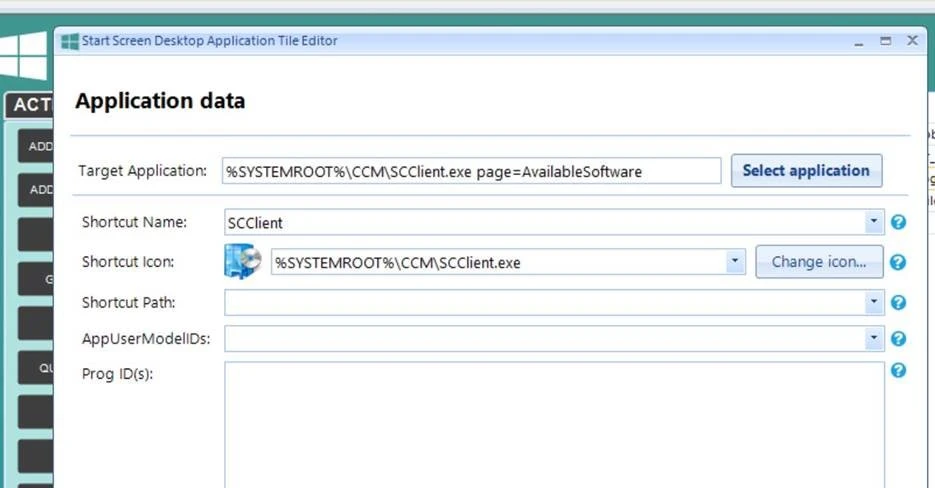
However, you can perform the following steps instead to get the same effect. Using PolicyPak Start Screen or PolicyPak Taskbar Manager, create a link for a Custom application like this…
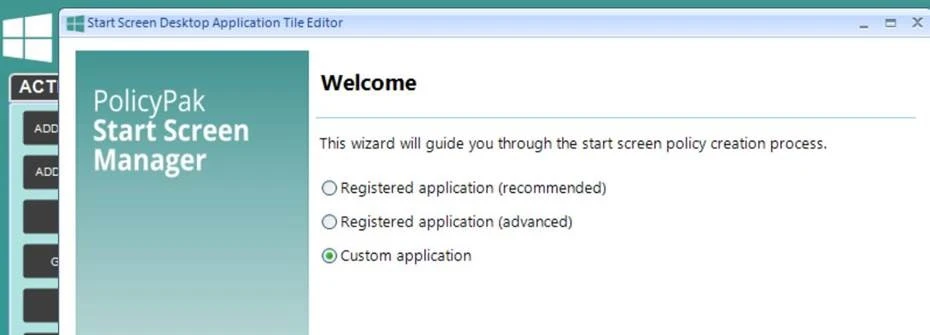
Then, point it toward
%SYSTEMROOT%\CCM\SCClient.exe page=AvailableSoftware
Like what's seen here.
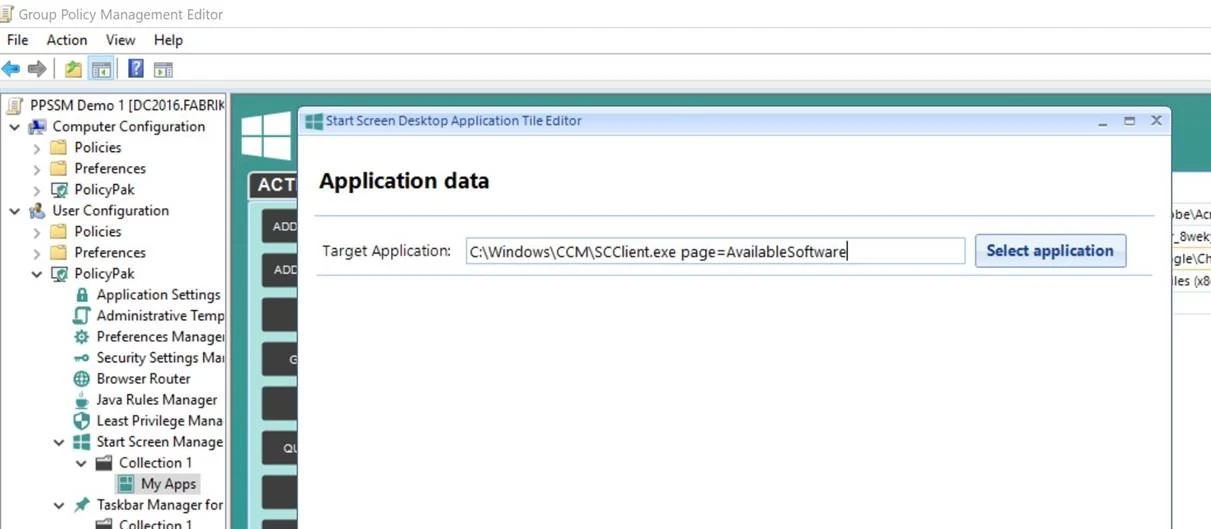
If you don't like that page, you can pick a page… (NOT TESTED, but should work.) Special keywords can be found at this link. https://www.prajwaldesai.com/create-shortcuts-for-configmgr-software-center/#:~:text=By%20default%20you%20will%20find,%5CCCM%5CSCClient.exe. Finally, take the defaults… and/or change the ShortCut name to suit.
Final results should look like this…