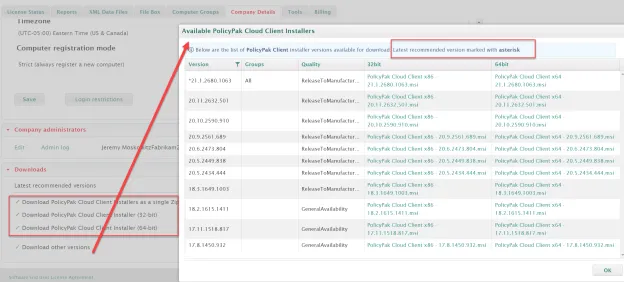
Downloads
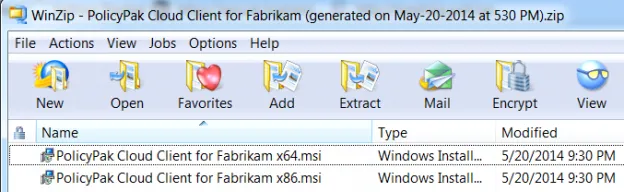
Go to the Downloads section of the Company Details tab to download the PolicyPak Cloud client for your instance of PolicyPak Cloud. Once installed on the client machine, the machine joins your PolicyPak Cloud instance. This is the process to acquire licenses, download directives, auto-install the CSE, and perform other cloud-specific operations. Typically you would download the 32-bit or 64-bit versions, or both as a bundled ZIP.
Clients will continue to use the PolicyPak Cloud client version they started with until you specifically tell them to use a later version. Please watchthe following videoto see how to use groups to keep clients updated: PolicyPak Cloud Groups CSE and Cloud Client Small-Scale Testing and Updates.
From time to time you may be asked by PolicyPak Support to attempt to use an older version of the client. In this case, you can click on Download other versions and select an older version.