License Management
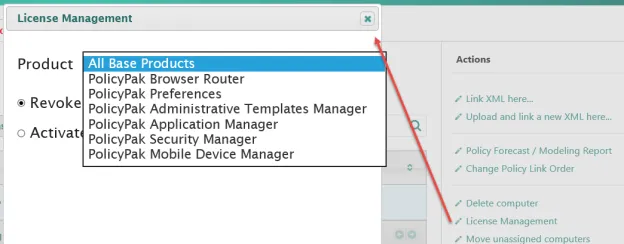
If you want to prohibit a computer from participating in PolicyPak Cloud for a specific component, you may revoke its license. To do this, select one or more computers and click on License Management. Next, pick the product and select Revoke License.
You can see that only that component's license is revoked.
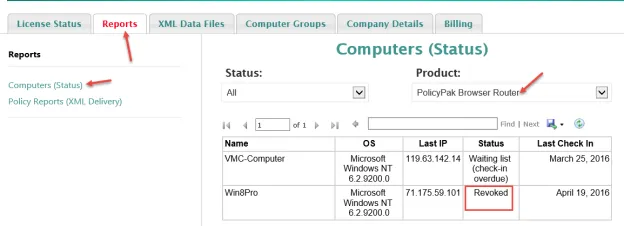
The next time this computer connects, it will stop participating with the specified PolicyPak Cloud component. The license, however, is immediately recovered and available to the license pool for other computers to consume.