PolicyPak and Microsoft Intune MDM
See PolicyPak and Microsoft Intune for an overview video of PolicyPak and Microsoft Intune MDM.
To start, log onto your Microsoft Intune instance and select Apps. Add the PolicyPak CSE, the PolicyPak license file, and the PolicyPak settings MSI files, and deploy them to your machine.
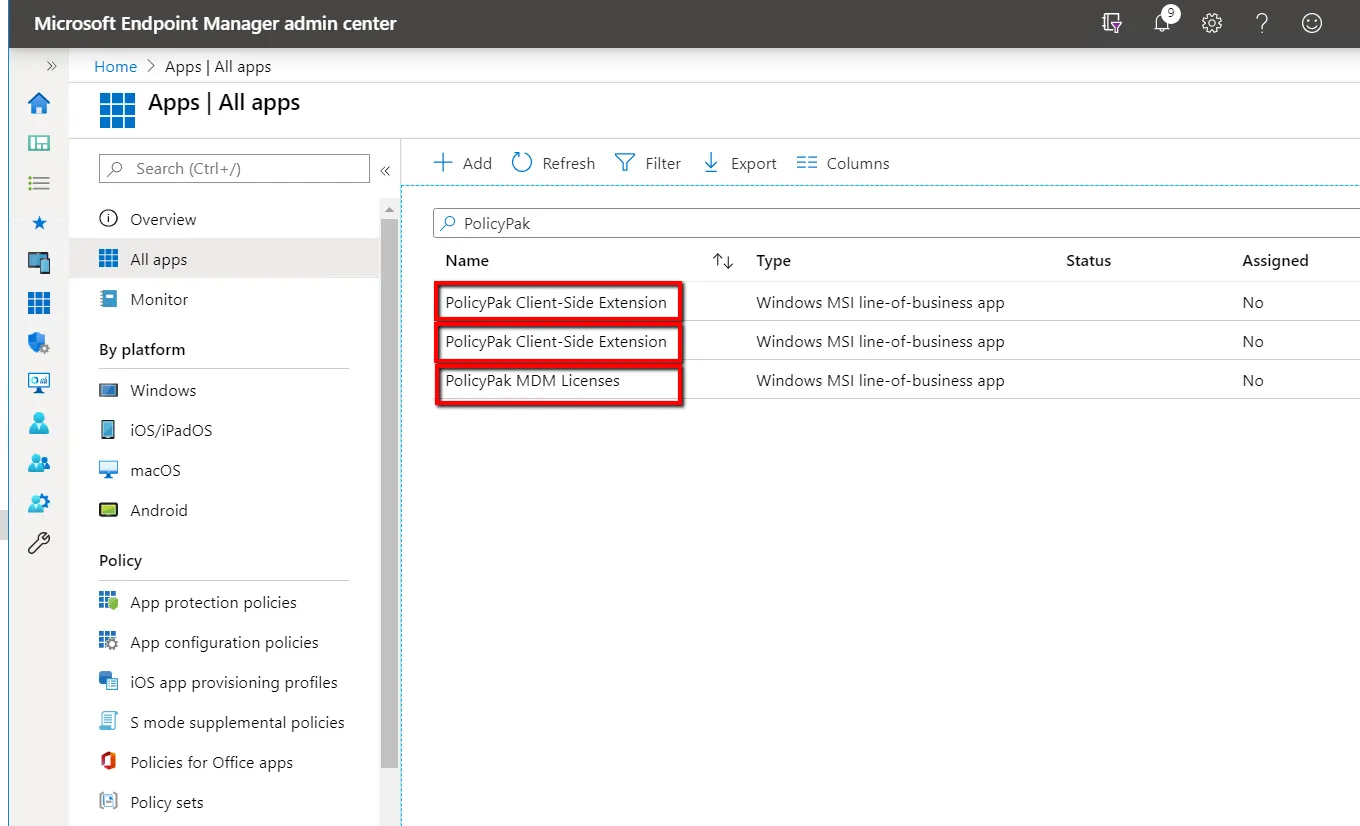
Next, make assignments to computers. For each application you have to target, you can specify All
Devices (which will automatically address only Windows 10 machines), or you can pick a specific
group of machines. For command-line arguments, you can enter ARPSYSTEMCOMPONENT=1 to hide each
item from the Add/Remove Programs options to prevent uninstallation. Using the flag
ARPSYSTEMCOMPONENT=1 is optional.
Once you select the group, you can change the Deployment Action to Required Install. Be sure the computer is MDM-joined and in the correct group. If the MSIs do not download as expected, see the Troubleshooting section.