XML Data Files from PolicyPak Security Settings Manager
PolicyPak Security Settings Manager will export the computer-side security within a
GPO as an XML file. Right-click Computer Configuration | PolicyPak | Security Manager, and select
the only setting that is available in the menu, as shown in Figure 21. For full details on the
PolicyPak Security Settings Manager Export Wizard, see the
Security Settings Manager.
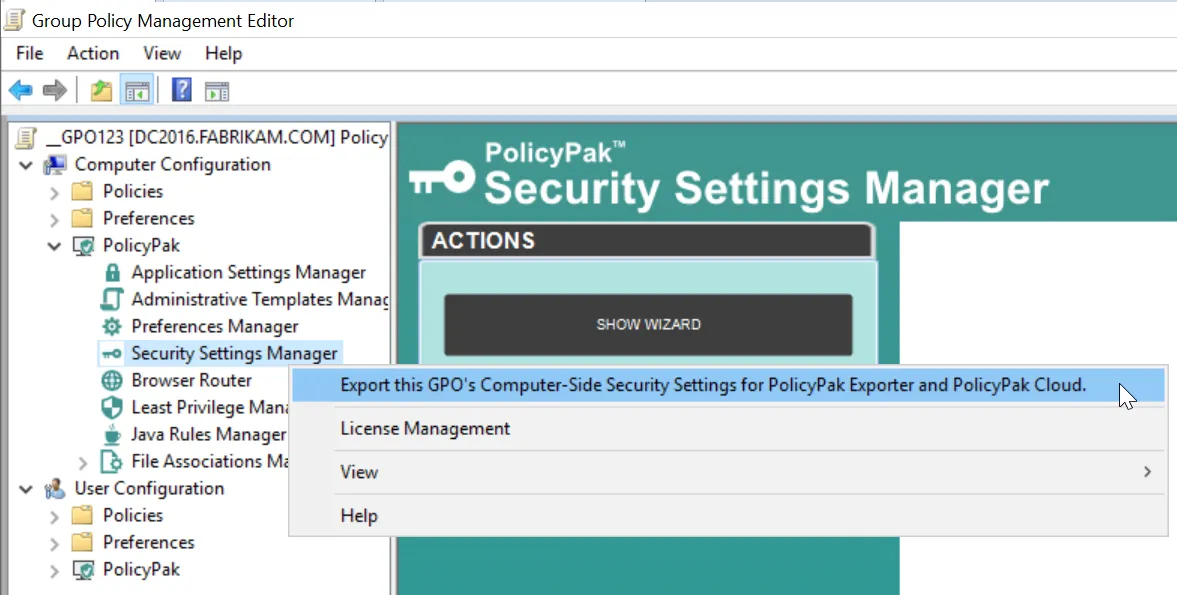
Figure 21. Exporting the computer-side security within a GPO as an XML file.