Client (Admin Console) Installation
Installation of the PolicyPak GPCR client (admin console) should occur on each Group Policy administrator's machine. There are no usage or licensing restrictions on the number of installations of the PolicyPak GPCR client (admin console) or on the number of administrators using it. The PolicyPak GPCR client (admin console) itself is not licensed, but the endpoints you want to report on are. Installation of the GPCR client (admin console) may be on any Windows 10 machine, 2012 Server machine or higher. It must have .NETFramework 3.5, and the Microsoft GPMC must be installed on the machine where you run the PolicyPak GPCR.
To get started, run the PolicyPak GPCR client (admin console) installation MSI and go through the wizard, as shown in Figure 5.
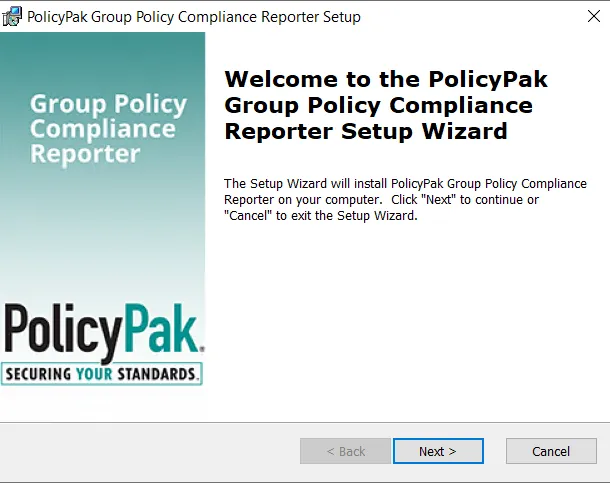
Figure 5. Using the wizard to install the PolicyPak GPCR admin console.
Beginning with version 21.1.2693.656, you cannot connect to an older version of the server. To progress to the next step in the wizard you must accept this condition, as shown in Figure 6.
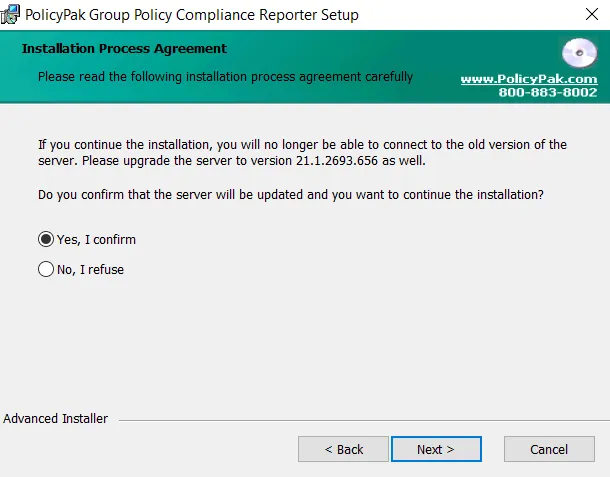
Figure 6. The confirmation window.
When you do this, the PolicyPak GPCR client will appear on the Windows 10 or Windows Server Start menu, as shown in Figure 7.
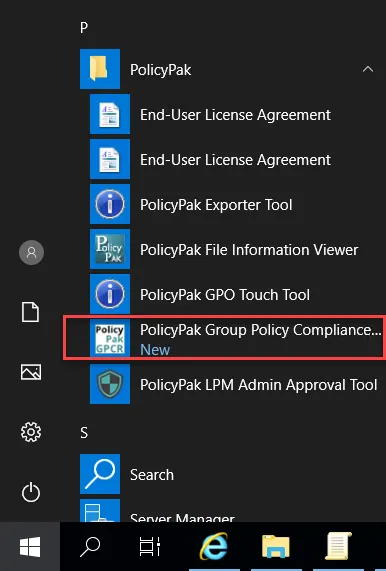
Figure 7. PolicyPak GPCR in the Start menu.