Configuration Wizard
The first time you run the PolicyPak GPCR client (admin console) you are presented with a wizard, as shown in Figure 8.
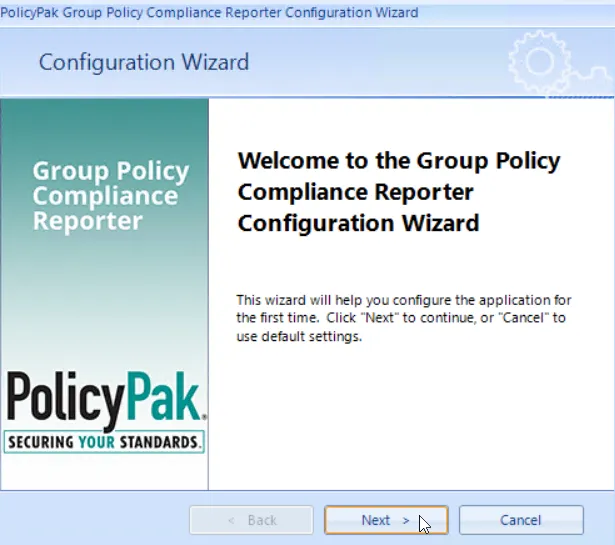
Figure 8. The GPCR Configuration Wizard.
In the wizard, you can select if you want to use PolicyPak GPCR in "Standalone mode (Pull Mode only)" or "Server mode (Pull Mode or Push Mode using Audit)," as shown in Figure 9. For this Quickstart, select standalone mode.
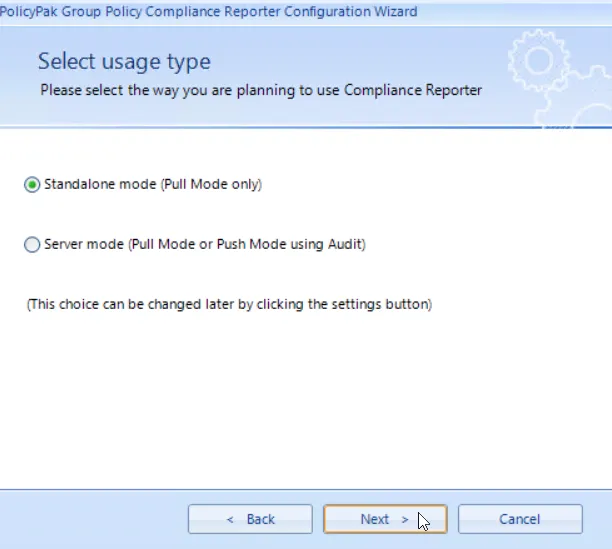
Figure 9. Selecting between "Standalone mode" or "Server mode."
Server mode is used in conjunction with the PolicyPak GPCR server.
You can also select where you want to store PolicyPak GPCR data in the wizard. The default is shown in Figure 10.
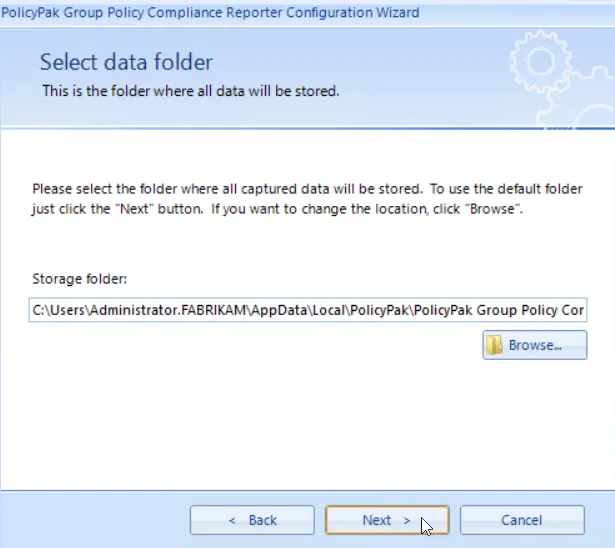
Figure 10. Choosing the location for PolicyPak GPCR data.
You may change the storage folder location to a shared server; however, this will not enable server mode with PolicyPak GPCR, even if all administrators are pointing to the same shared location. To share PolicyPak GPCR data, you must utilize the PolicyPak GPCR server component.