How can I use the PolicyPakPowerShell module to know which GPOs have any PolicyPak data or directives?
Start by installing the Netwrix PolicyPak PowerShell module, found in the PolicyPak Extras Folder in the DOWNLOAD…
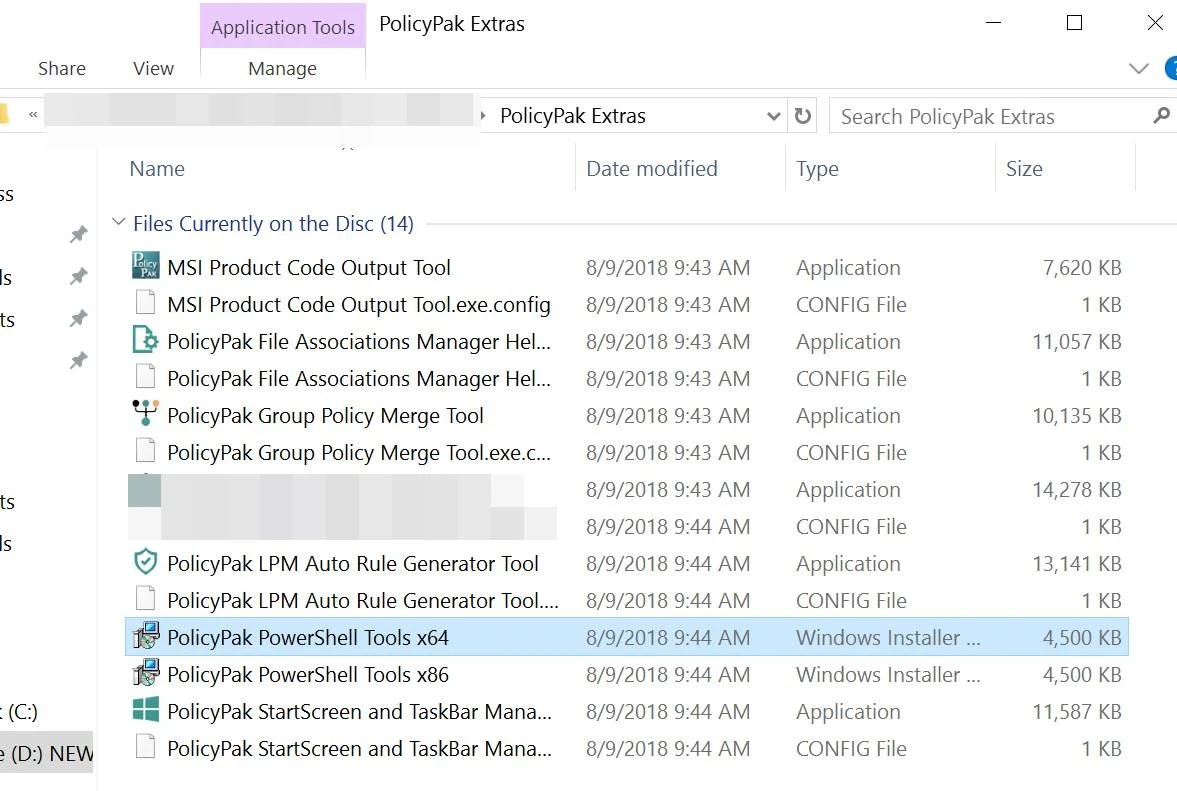
The PolicyPak PowerShell modules are installed
to: C:\Program Files (x86)\PolicyPak\Tools\Modules\PolicyPak.
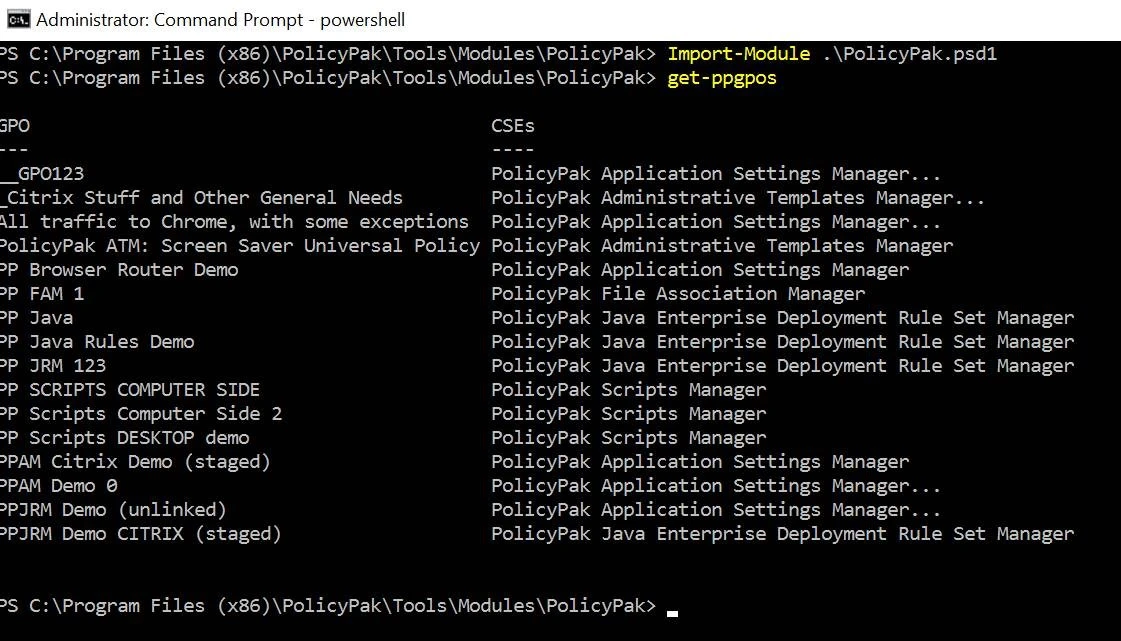
Then with a Powershell prompt, browse to the installation directory above and perform the following commands:
- Import-Module
.\endpointpolicymanager.psd1-verbose get-ppGPOsorget-ppGPOs | export-csv .out1.csv(for excel readable output.)
An example output can be seen below, which returns all the GPOs and which PolicyPak Client Side Extension data types are inside them.