Scheduler Service
On the Scheduler Service page, view information for scheduled services.
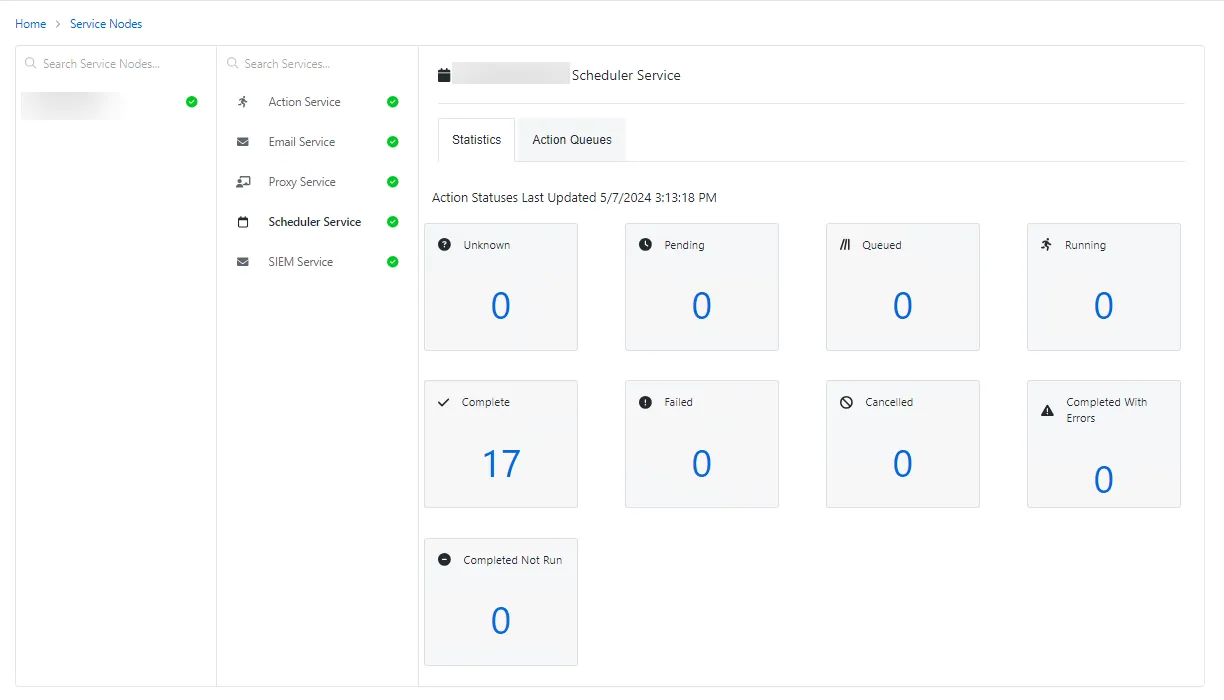
The Scheduler Service page shows details of the selected service and has the following features:
- Statistics Tab
- Action Queues Tab
Statistics tab
The Statistics tab shows an overview of the actions for the past 24 hours.
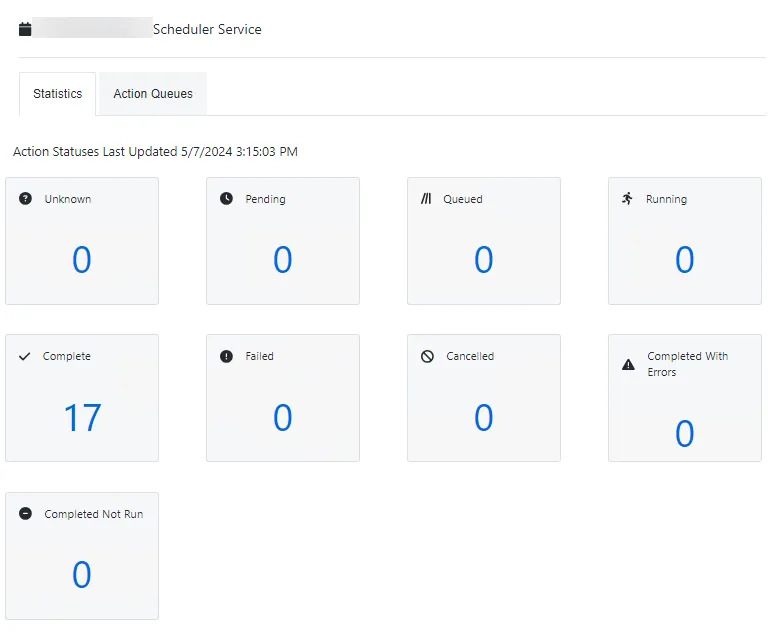
The Statistics tab shows the total number of actions for each of the following statuses:
- Unknown
- Pending
- Queued
- Running
- Complete
- Failed
- Canceled
- Completed With Errors
- Completed Not Run
Action Queues tab
The Action Queues tab shows all scheduled services.
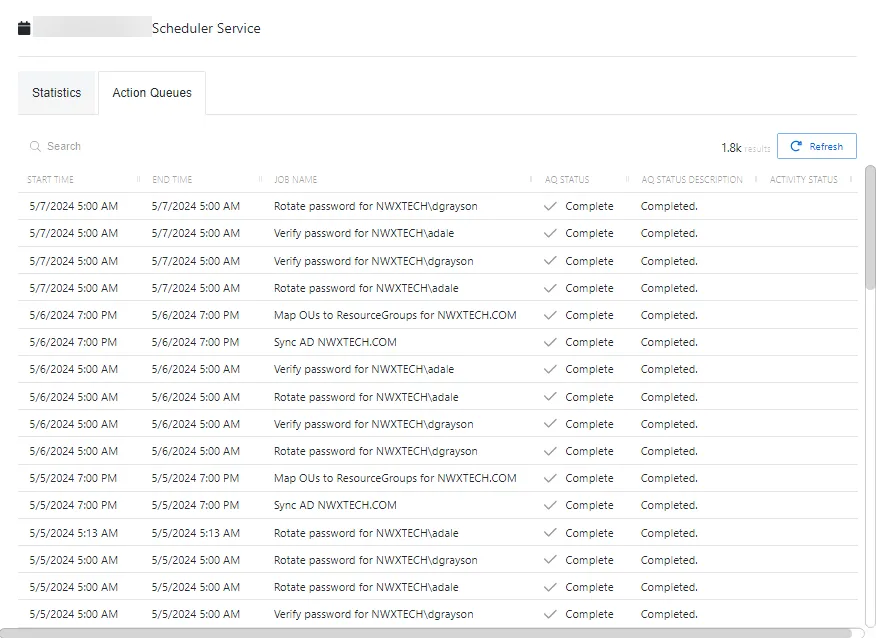
The Action Queues table has the following features:
- Search — Searches the columns to match the search string. When matches are found, the table is filtered to the matching results.
- Refresh button — Reload the information displayed
- Column headers can be sorted by ascending or descending order:
- Start Time — Indicates when the action started
- End Time — Indicates when the action completed
- Job Name — Name of the scheduled action
- AQ Status — Status of the service
- AQ Status Description — Describes the status type
- Activity Status — Shows status information for the action:
- Complete — Action completed successfully
- Failed — Action failed