SIEM Service
The SIEM Service shows the SIEM-specific details for the selected service.
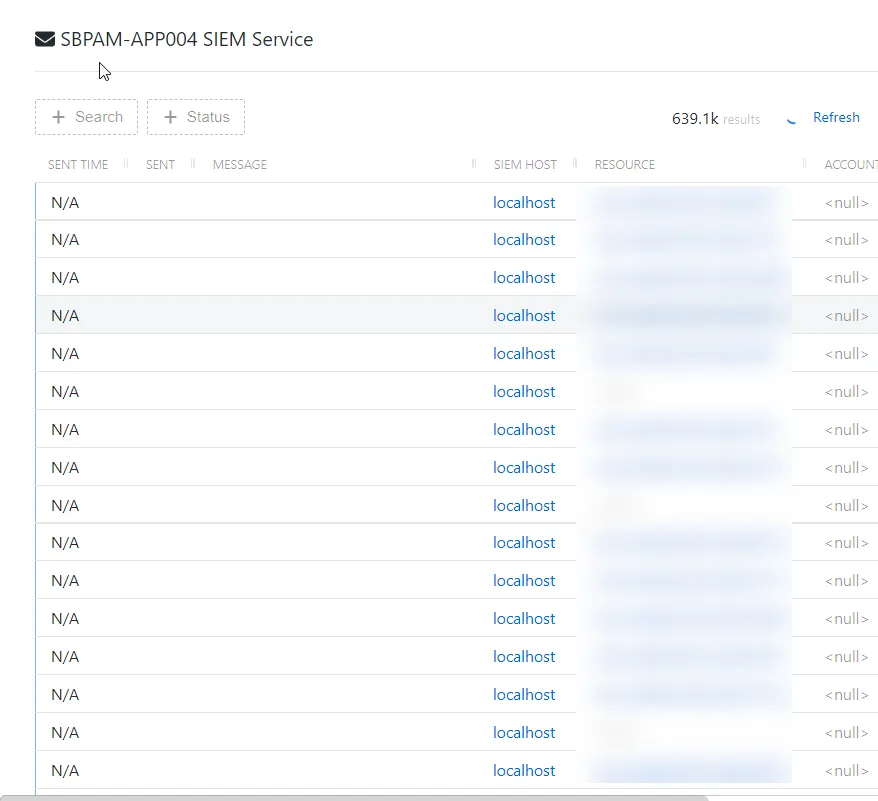
The SIEM Service page has the following features:
- Search — Searches the Message column to match the search string. When matches are found, the table is filtered to the matching results.
- Filter by Status — Provides options to filter results based on a chosen criterion: All, Sent, or Not Sent.
- Refresh — Reload the information displayed
- Column headers can be sorted by ascending or descending order:
- Sent Time — When the event was processed.
- Sent — Indicates successful processing of the event
- Sent — Indicates the message was sent successfully.
- Not Sent — Indicates the message has not been sent.
- Message — The SIEM event to be processed.
- SIEM Host — The SIEM server the event is destined for.
- Resource — The resource associated with the event, If applicable.
- Account — The account associated with the event, if applicable.
- Activity — The activity associated with the event, if applicable.
- Username — The user name associated with the event, if applicable.