Remove Resource Window
Use the Remove Resources window to remove a selected resource from the database.
To remove a resource.
Step 1 – Navigate to the Resources page.
Step 2 – Select the resources to modify.
Step 3 – Click Remove to open the Remove Resource window.
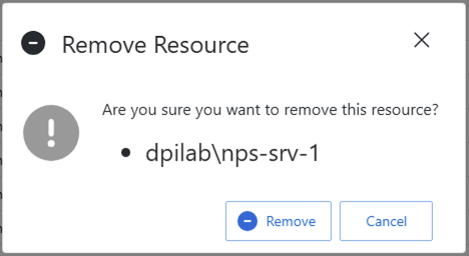
Step 4 – Click **Remove ** to confirm that you want to remove the selected resources.
note
This action will remove all records of the resources from the database. It will not prevent the resource from being synced or added again.