Action Service
On the Action Services page, view, or modify action services.
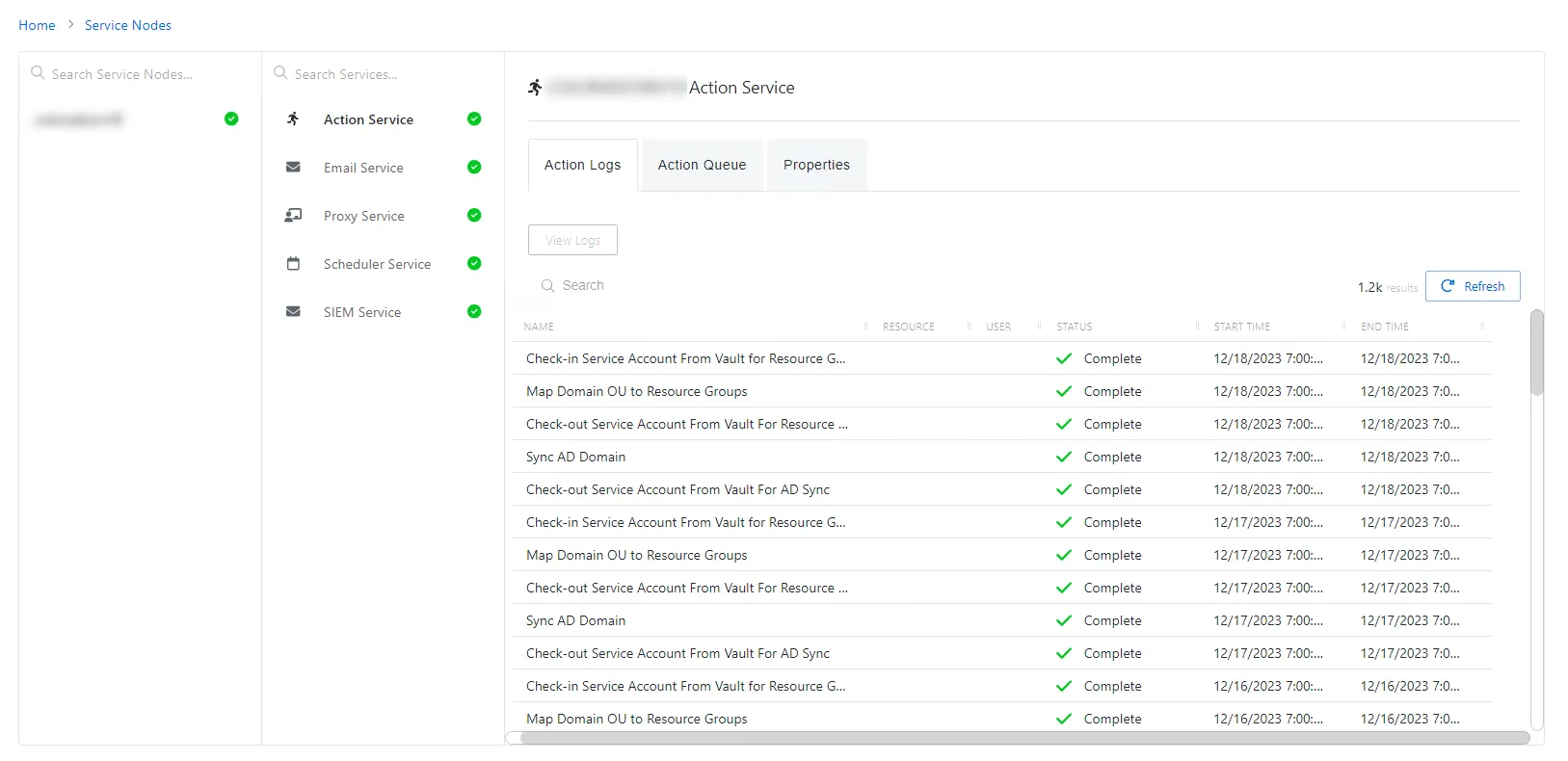
The Action Service page shows details of the selected action service and has the following features:
- Name — Name of the selected action service
- Action Logs Tab
- Action Queue Tab
- Properties Tab
Action Logs tab
The Action Logs tab shows the event logs for the action service.
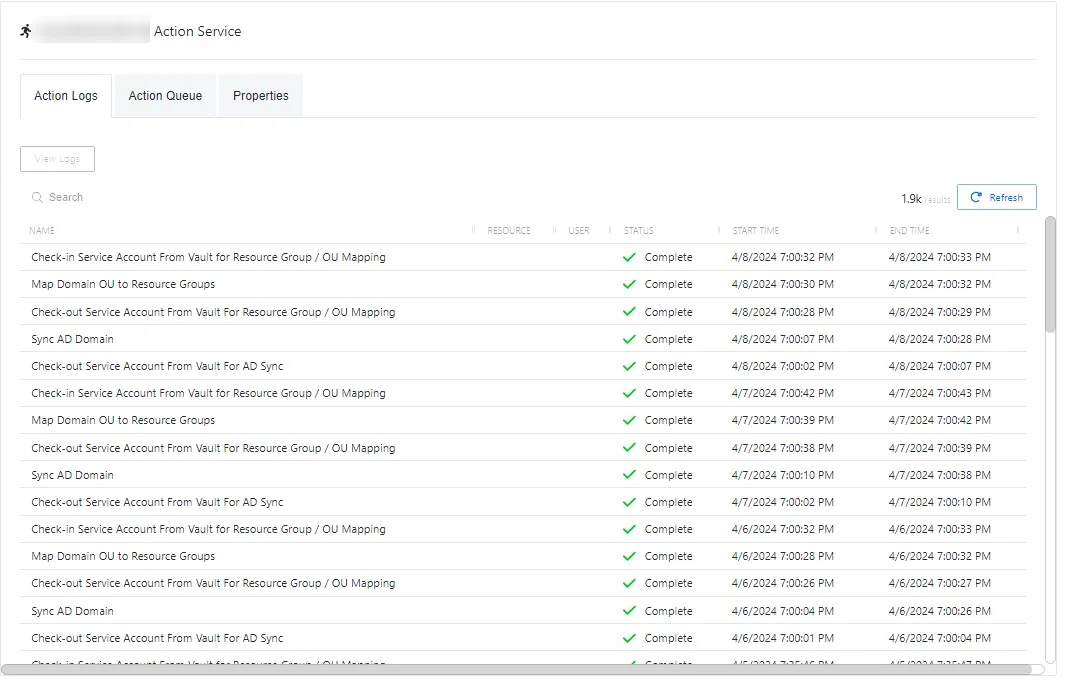
The Action Logs table has the following features:
- Search — Searches the Name column to match the search string. When matches are found, the table is filtered to the matching results.
- The Action Logs table has two buttons:
- View Logs — View additional log information for the selected action
- Refresh — Reload the information displayed
- Column headers can be sorted by ascending or descending order:
- Name — Name of the action processed
- Resource — The resource the action will run on
- User — The account associated with the action
- Status — Shows status information for the action:
- Complete — Action completed successfully
- Failed — Action failed
- Start Time — Indicates when the action started
- End Time — Indicates when the action completed
Action Queue tab
The Action Queue tab shows the tasks to be executed by the action service.

The Action Queue table has the following features:
- Search — Searches the Name column to match the search string. When matches are found, the table is filtered to the matching results.
- The Action Queue table has two buttons:
- View Logs — View additional log information for the selected action
- Refresh — Reload the information displayed
- Column headers can be sorted by ascending or descending order:
- Name — Name of the action to be executed
- Resource — The resource the action will run on
- User — The account associated with the action
- Status — Shows status information for the action:
- Complete — Action completed successfully
- Failed — Action failed
- Start Time — Indicates when the action started
- End Time — Indicates when the action completed
Properties tab
The Properties tab shows additional information about the action service.
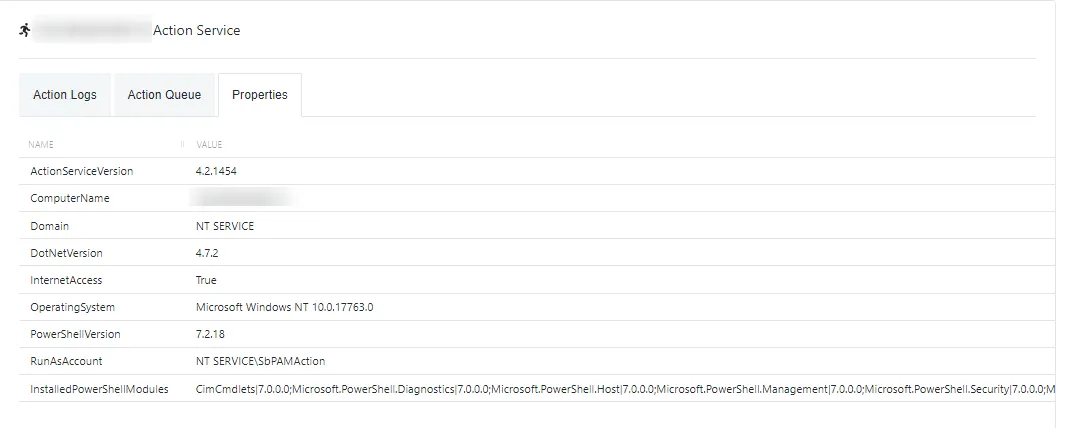
The Properties table has the following features:
- Column headers can be sorted by ascending or descending order:
- Name — Property of the Action Service and its host
- Value — Value of the Action Service / host property