Resolving "Invalid Connection String" for DirectConnect in mRemoteNG
Summary
In a specific scenario, valid Netwrix Privilege Secure DirectConnect strings used in mRemoteNG will result in an invalid connection string error, stating the connection string is empty.
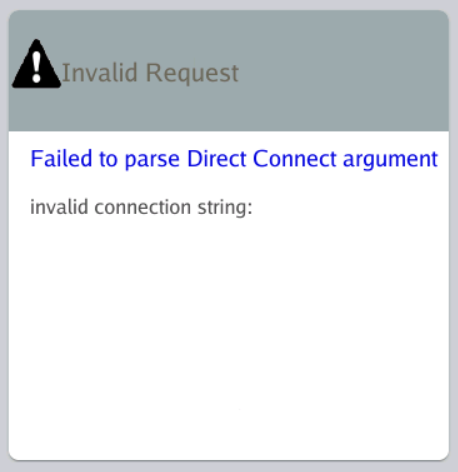
Instructions
This error is caused by having credentials saved for the Netwrix Privilege Secure server (for example, the Netwrix Privilege Secure Proxy Server) in the Windows built-in RDP client, Remote Desktop Connection, on the same host that is running mRemoteNG.
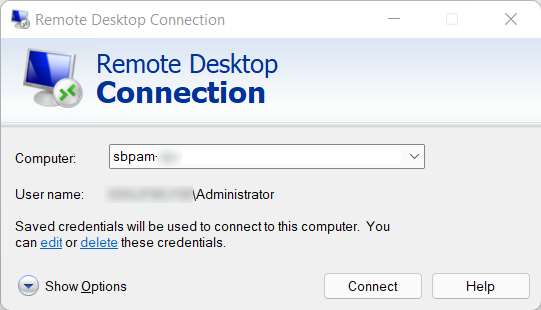
To resolve the issue, you have two options:
- Delete the credential saved in Remote Desktop Connection. After you delete that credential, the valid
DirectConnectstring will work as expected in mRemoteNG. - Fill in a password for each
DirectConnectconnection saved in mRemoteNG. This resolves the issue without deleting any credentials from Remote Desktop Connection.