First Launch
To launch the Recovery Console, either:
- Click the desktop icon
- Type
http://localhost:3005in a web browser and press Enter
First Login
On the first login to the Recovery Console, use the credentials configured on the Administrator Role page during installation. This account has the Administrator role needed to manage the application. If a group is used, any account with membership to this group can login.
Follow the steps to login to Identity Recovery.
Step 1 – Launch the Recovery Console. The Log in page is displayed.
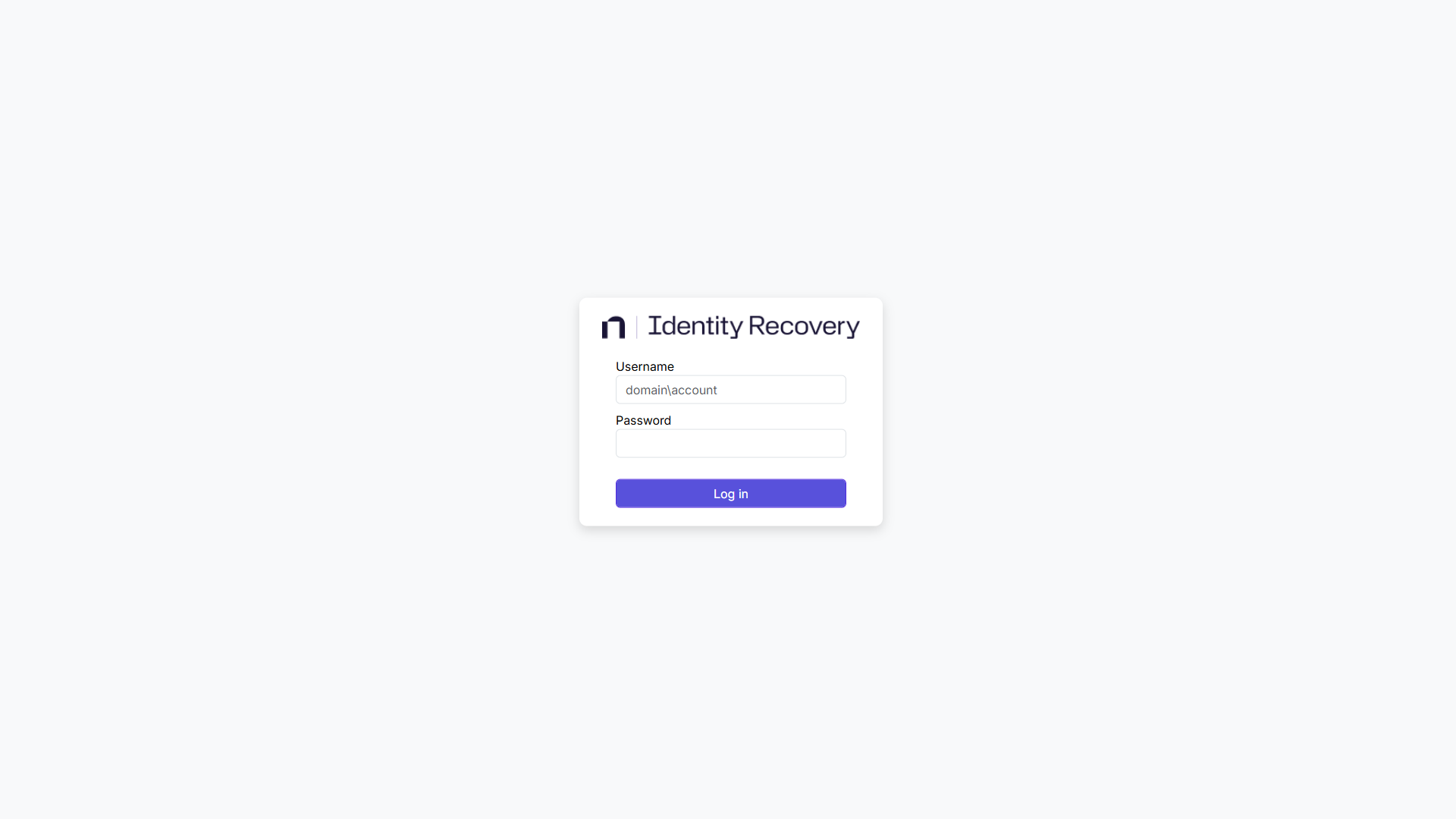
Step 2 – Log in with credentials configured on the Administrator Role page of the Identity Recovery Setup wizard during installation. See the Install the Application topic for additional information on the administrator role. The username must be entered in the following format:
- Domain\Username
Step 3 – Click Log in.
Once logged in, the product is ready to be configured for use.