Licensing Page
The Licensing page of the System Settings interface displays license information. Threat Manager comes with a temporary 15-day license.
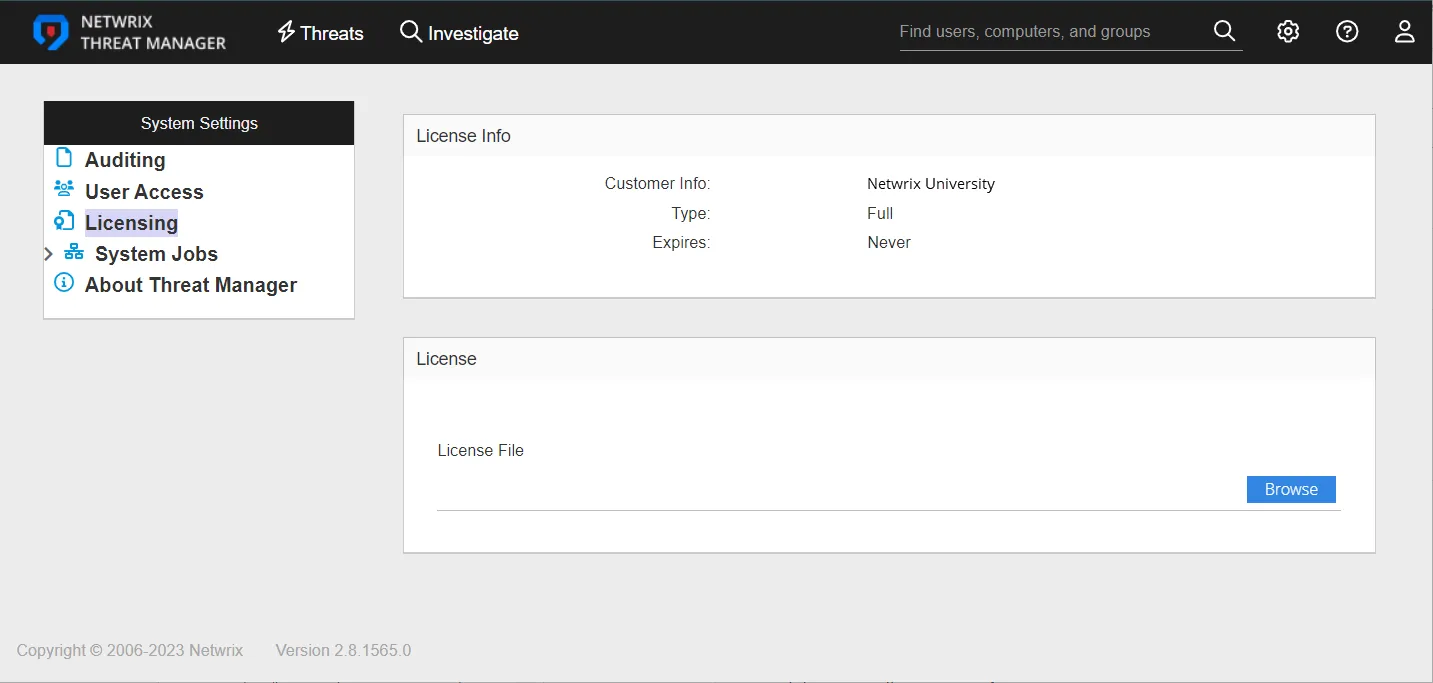
The License Info section displays the following:
- Customer Info – Name of the licensed customer
- Type – Type of license
- Expires – Expiration date
The License section provides a method for importing a new license.
If the license is missing or expired, an alert banner displays, located just below the navigation header.
Import License

Step 1 – On the License page of the System Settings interface, click Browse. The Add New Integration window opens.
Step 2 – Locate the License Key File in the File Explorer and click Open. The File Explorer closes and returns to the console.
Step 3 – Refresh the page to confirm that the license has been uploaded properly.
The License Key is now imported into Threat Manager. The License Info section at the top of the page displays the license information.