Install the PostgreSQL Database Application
You can install the PostgreSQL database application on the same server as the application or on a different server. If installing on a different server, provide the location of the database server during installation.
install the PostgreSQL database application.
The PostgreSQL database application must be installed before the application.
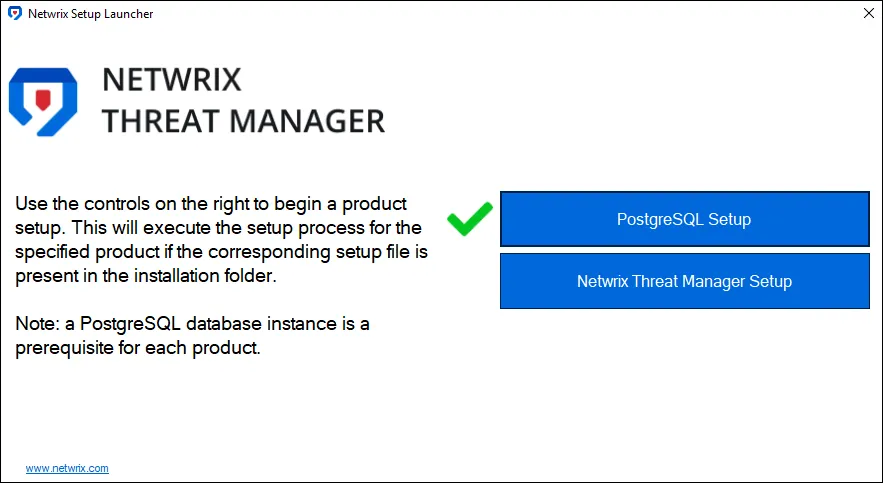
These steps assume you have launched the installer through the Netwrix Setup Launcher
(Netwrix_Setup.exe). If you aren't using the launcher, right-click NetwrixPostgreSQL14.exe
and select Run as administrator. Then skip to Step 2.
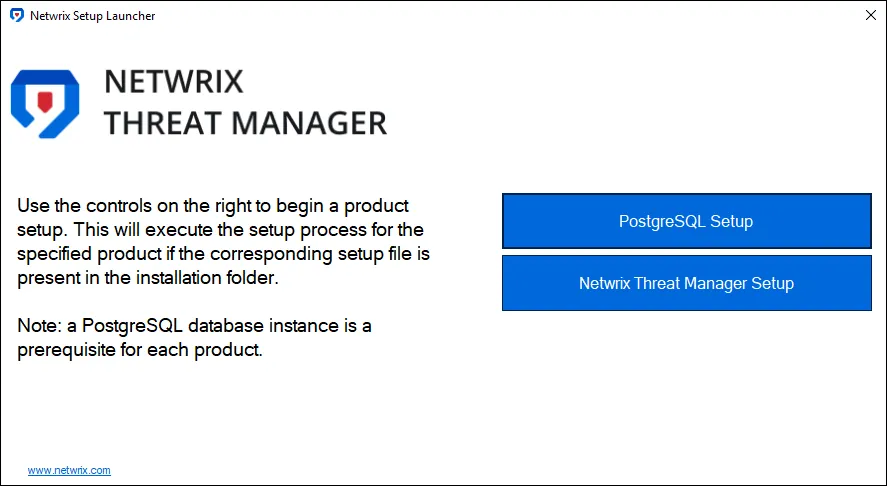
Step 1 – Click PostgreSQL Setup. The Netwrix PostgreSQL Setup wizard opens.
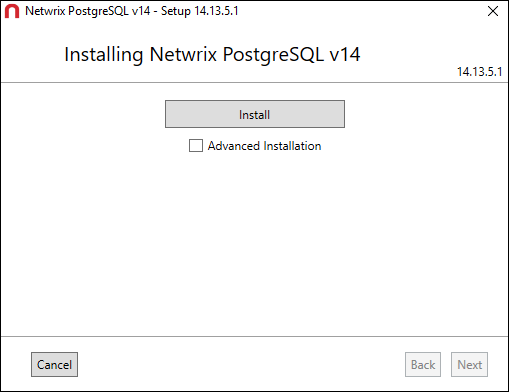
Step 2 – Click Install.
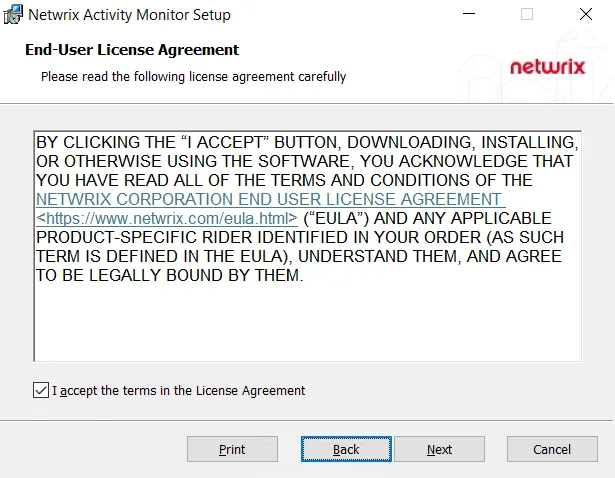
Step 3 – Read the End User License Agreement and select the I accept the license agreement
checkbox. Click Next.
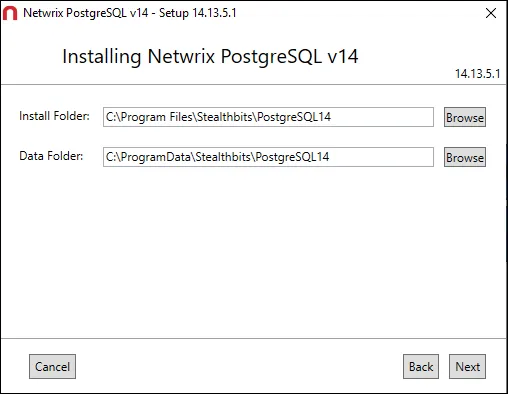
Step 4 – By default, the installation directories are set to:
- Install Folder – C:\Program Files\Stealthbits\PostgresSQL14
- Data Folder – C:\ProgramData\Stealthbits\PostgresSQL14
Optionally, enter a new path or use the Browse buttons to modify as desired. Click Next.
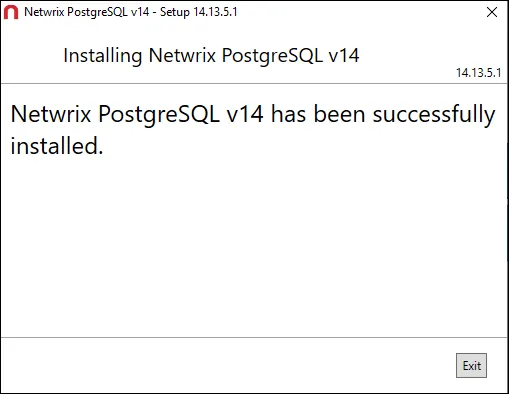
Step 5 – The installation begins and the installer displays a Setup Progress window. Click Exit when the installation is successful. The Netwrix PostgreSQL Setup wizard closes.
The PostgreSQL database application is now installed. Now you can install the Threat Manager application. See the Install the Threat Manager Application topic for additional information.
Optionally Configure the Postgres.conf File
PostgreSQL has some unique memory management features that need to be configured based
on the specifications of the database server. PostgreSQL enters a failed state if the postgres.conf file isn't configured correctly for the database server specifications. For larger environments or for those experiencing issues with PostgreSQL,
apply the following changes.
When setting values, specifically when using a Memory unit, case sensitivity is required.
The table displays Postgres.conf settings and their suggested values.
| Setting | Suggested Value | Notes |
|---|---|---|
| effective_cache_size | Total Server Memory (MBs) * .75 | |
| shared_buffers | totalMemory / 4 | shared_buffers on windows needs to be limited to 512MB |
| wal_buffers | 3% of shared_buffers with a min of 32kB and a max of 16MB | |
| checkpoint_timeout | checkpoint_timeout = 30min | |
| max_wal_size | 2048MB | |
| min_wal_size | 1024MB | |
| checkpoint_completion_target | 0.7 | |
| work_mem | work_mem = ((totalMemory - shared_buffers) / (max_connections * 3) / max_parallel_workers_per_gather) | Limit to 64kB |
| max_connections | 100 | |
| maintenance_work_mem | maintenance_work_mem = totalMemory / 16 | cap maintenance memory at 2GB on servers with lots of memory |
| default_statistics_target | 100 | |
| random_page_cost | if ( disk_is_hdd ) { random_page_cost = 4 } else { random_page_cost = 1.1 } | |
| max_parallel_workers | max_parallel_workers = cpuNum | |
| max_worker_processes | 8 | |
| max_parallel_workers_per_gather | 2 | |
| max_locks_per_transaction | 300 |