Dashboard Stalls at Initial Loading Screen in Microsoft Edge
Symptoms
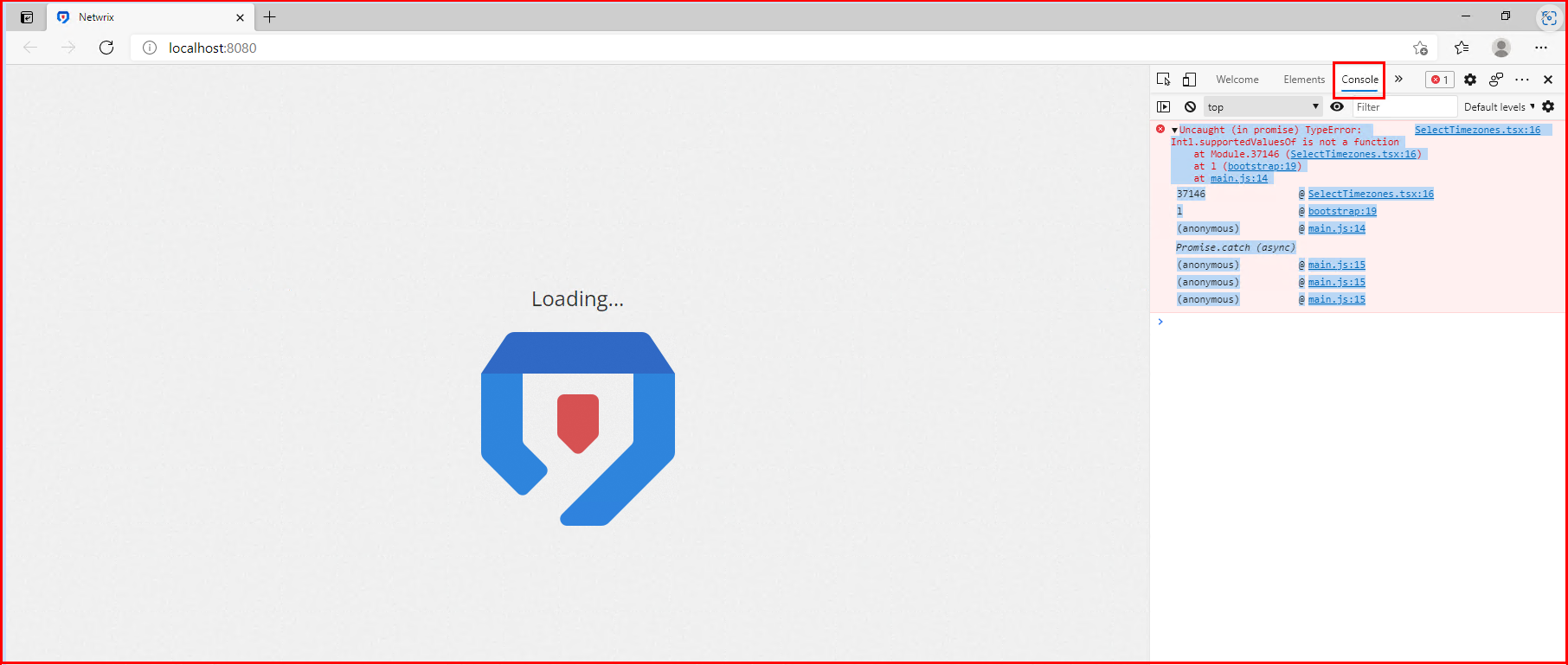
- The Netwrix Threat Manager Dashboard in Microsoft Edge stalls at the loading screen and doesn't proceed to the login screen.
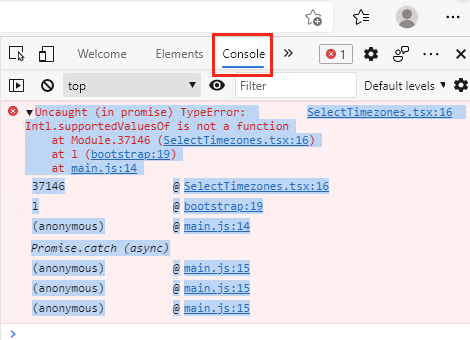
- The following error is present in the Developer Tools Console panel. To access the panel, navigate to Settings (...) > More tools > Developer tools (or press
CTRL + SHIFT + I) > Console tab:
Cause
The version of Microsoft Edge being used is outdated.
Resolution
Follow the steps below to update Microsoft Edge to the latest version:
- In Microsoft Edge, navigate to the About window by selecting "..." > Settings > About.
- At the top of the window, click the button to update or check for updates.
note
An offline installer for the latest version of Microsoft Edge is available at Download and Deploy Microsoft Edge for Business.