Edit or Delete a Playbook Step
To edit a playbook step:
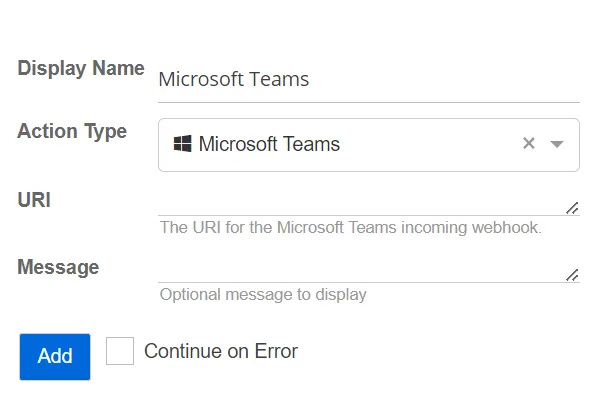
Step 1 – Click the step in the playbook to expand it.
Step 2 – Make any desired changes to the step.
Step 3 – Click Save.
The playbook step is now updated.
Delete a Playbook Step
To delete a playbook step:
Step 1 – Click the step in the playbook to expand it.
Step 2 – Click Delete.
The playbook step is deleted.