Save a Playbook Step to My Steps
Sometimes it may be convenient to save a step so that it can be added to multiple playbooks without recreating the step.
To save a step to the My Steps list:
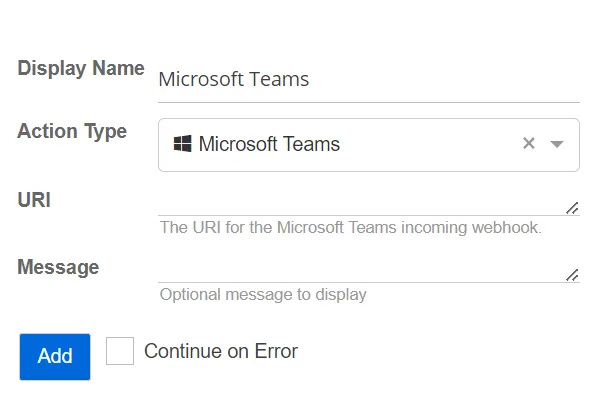
Step 1 – Click the step in the playbook to expand it.
Step 2 – Click Save to My Steps.
The step is saved to the My Steps list and can be added to other playbooks as needed.