Agent Blocked From Hooking Into LSASS
Symptom
The agent cannot hook into LSASS, so no events are received.
The following example shows output found in the log:
2024-10-01 17:24:07.269| Debug | 0x09ac| executing NVInject, result: 6
Cause
Third-party security tools are blocking the agent from hooking into LSASS.
Resolution
To resolve this issue, follow the steps in the first resolution. If the issue persists, follow the steps in the second resolution:
-
Correct the necessary endpoint protection exclusions. See Antivirus Software Considerations in the Threat Prevention documentation.
-
Check if SI Agent Safe Mode is enabled. If enabled, it could prevent the LSASS hook from mitigating host reboots. See SI Agent Safe Mode in the Threat Prevention documentation.
-
To verify this setting, review the AD Agent column in the interface:
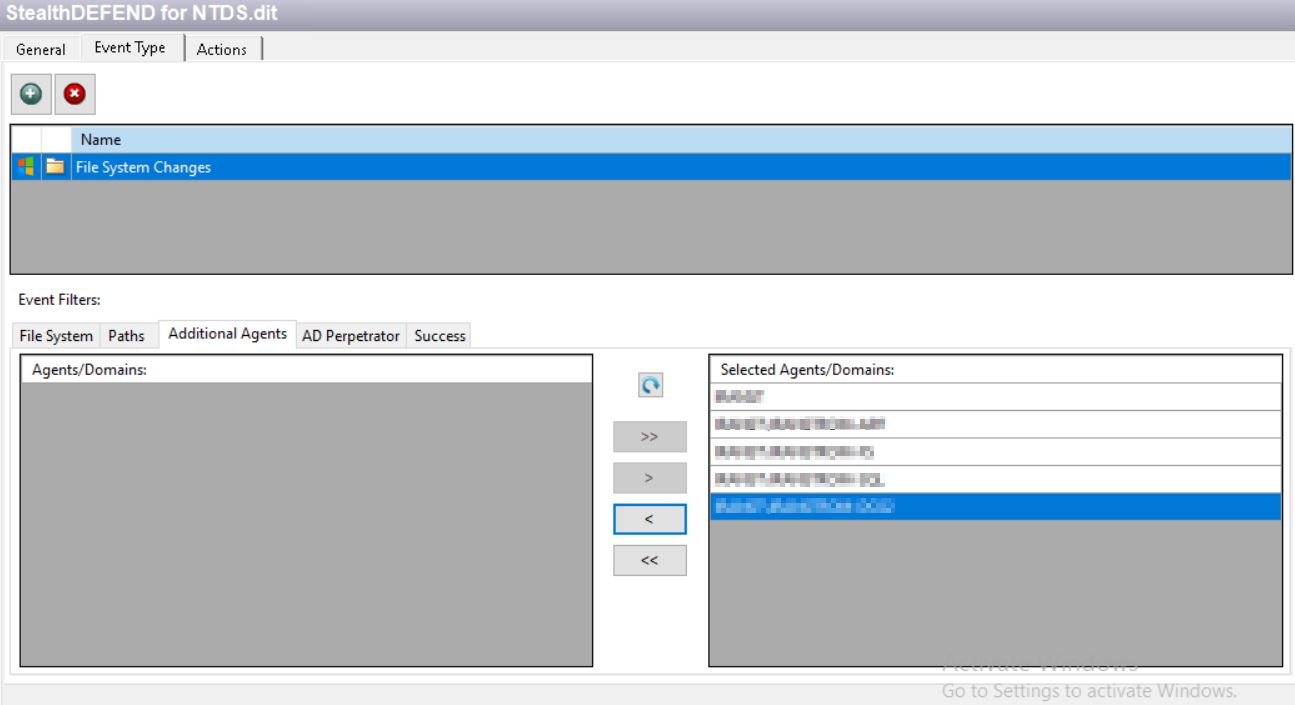
-
Enable or disable this setting using the Agent Update Settings option. Navigate to: https://docs.netwrix.com/docs/threatprevention/7_5 (Set Options Window).
-
Access the settings via the following path: Netwrix Threat Manager v7.3 > Administration > Policy Center > Agents Interface > Agents Interface Right-Click Menu > Update Agent Settings. For details, see: https://docs.netwrix.com/docs/threatprevention/7_5 (Update Agent Settings).
-
Related Articles
- https://docs.netwrix.com/docs/threatprevention/7_5/install/overview#antivirus-software-considerations (Netwrix Threat Manager v7.5 - Antivirus Software Considerations)
- https://docs.netwrix.com/docs/threatprevention/7_5/admin/agents/safemode (Netwrix Threat Manager v7.5 - SI Agent Safe Mode)
- https://docs.netwrix.com/docs/threatprevention/7_5/admin/agents/deploy/setoptions (Netwrix Threat Manager v7.5 - Set Options Window)
- https://docs.netwrix.com/docs/threatprevention/7_5/admin/agents/deploy/overview#update-agent-settings (Netwrix Threat Manager v7.5 - Update Agent Settings)