Select Active Directory Contexts Window
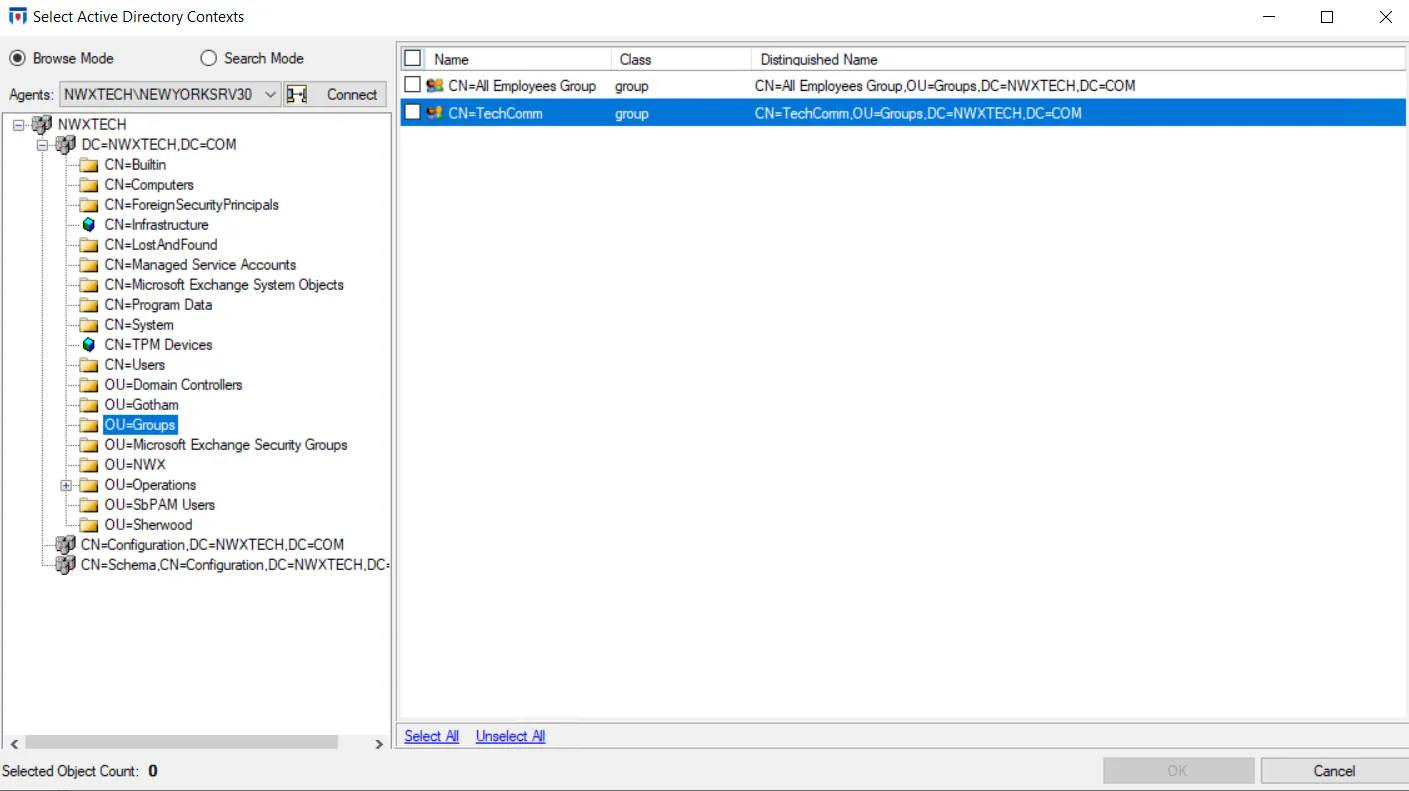
The Select Active Directory Contexts window provides a list of available contexts to either include or exclude. Selected objects are added to the filter from where you clicked the Add (+) button to open this window.
-
Select either Browse Mode or Search Mode.
-
Select an Agent from the dropdown menu and click Connect.
-
Navigate through the domain tree and check the items you want in the Results pane on the right.
-
Then click OK to close the window.
See the Selection Windows topic for additional information.
The selection is displayed in the appropriate box of the AD Account filter, the AD Context filter, or the AD Objects and Containers filter.