Attribute List Window
The Attribute List window provides a list of available Active Directory attributes to either include or exclude. Threat Prevention adds the selected attributes to the filter from where you clicked the Add (+) button to open this window.
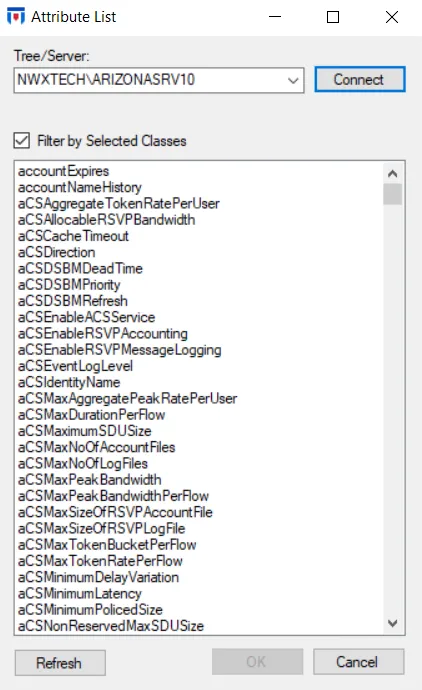
- Select a server from the dropdown menu and click Connect. Threat Prevention fetches schema attributes from the selected server and displays them on the window.
- Use the Filter by Selected Classes checkbox to filter the list based on any AD Classes filter already set for the policy.
- The Refresh button refreshes the list.
Select the attributes you want and click OK. The selection appears in the appropriate box of the AD Attributes filter or the LDAP Attributes filter.