Class List Window
The Class List window provides a list of available classes to either include or exclude. Selected Threat Prevention adds the selected classes to the filter from where you clicked the Add (+) button to open this window.
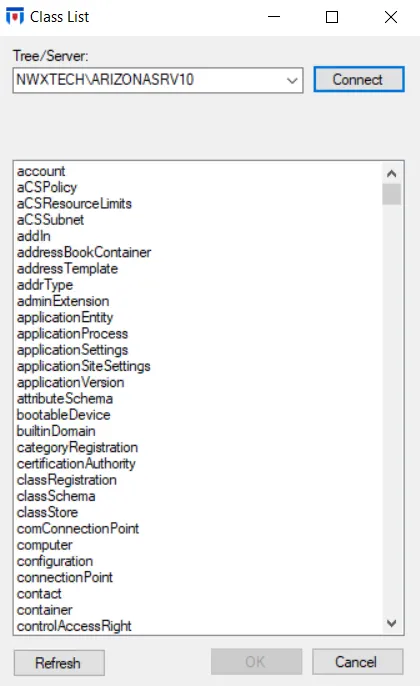
- Select a server from the dropdown menu and click Connect. Threat Prevention fetches AD Classes from the selected server and displays them on the window.
- The Refresh button refreshes the list.
Select the classes you want and click OK. The selection appears in the appropriate box of the AD Classes filter.