Select Exchange Objects from Active Directory Window
The Select Exchange Objects from Active Directory window provides a list of Active Directory users that have mailboxes configured, to either include or exclude. Threat Prevention adds the selected objects to the filter from where you clicked the Add (+) button to open this window.
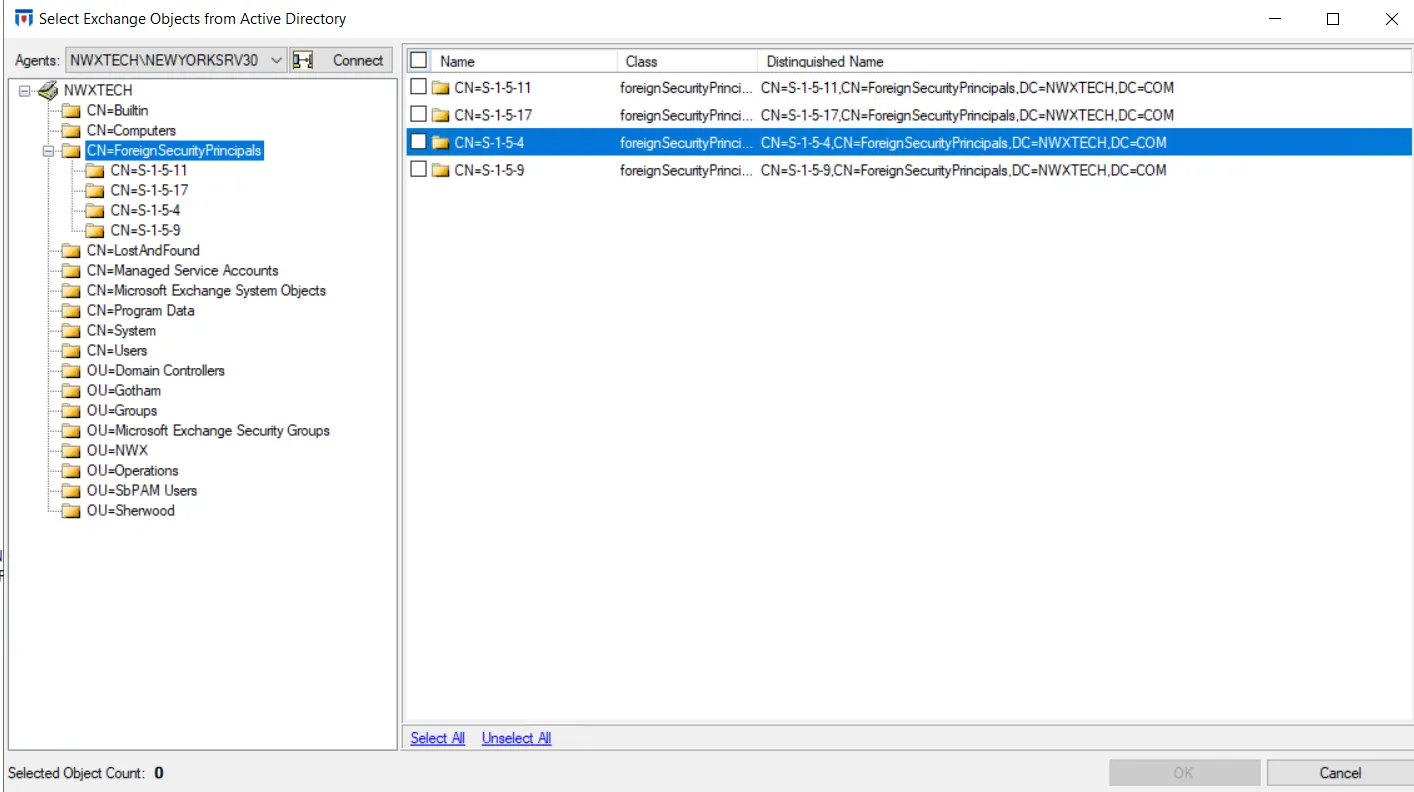
- Select an Agent from the dropdown menu and click Connect.
- Navigate through the domain tree and check the items you want in the Results pane on the right.
- Then click OK to close the window.
See the Selection Windows topic for additional information.
The selection appears in the appropriate box of the Exchange Mailbox Objects and Containers filter.