Select AD Groups Window
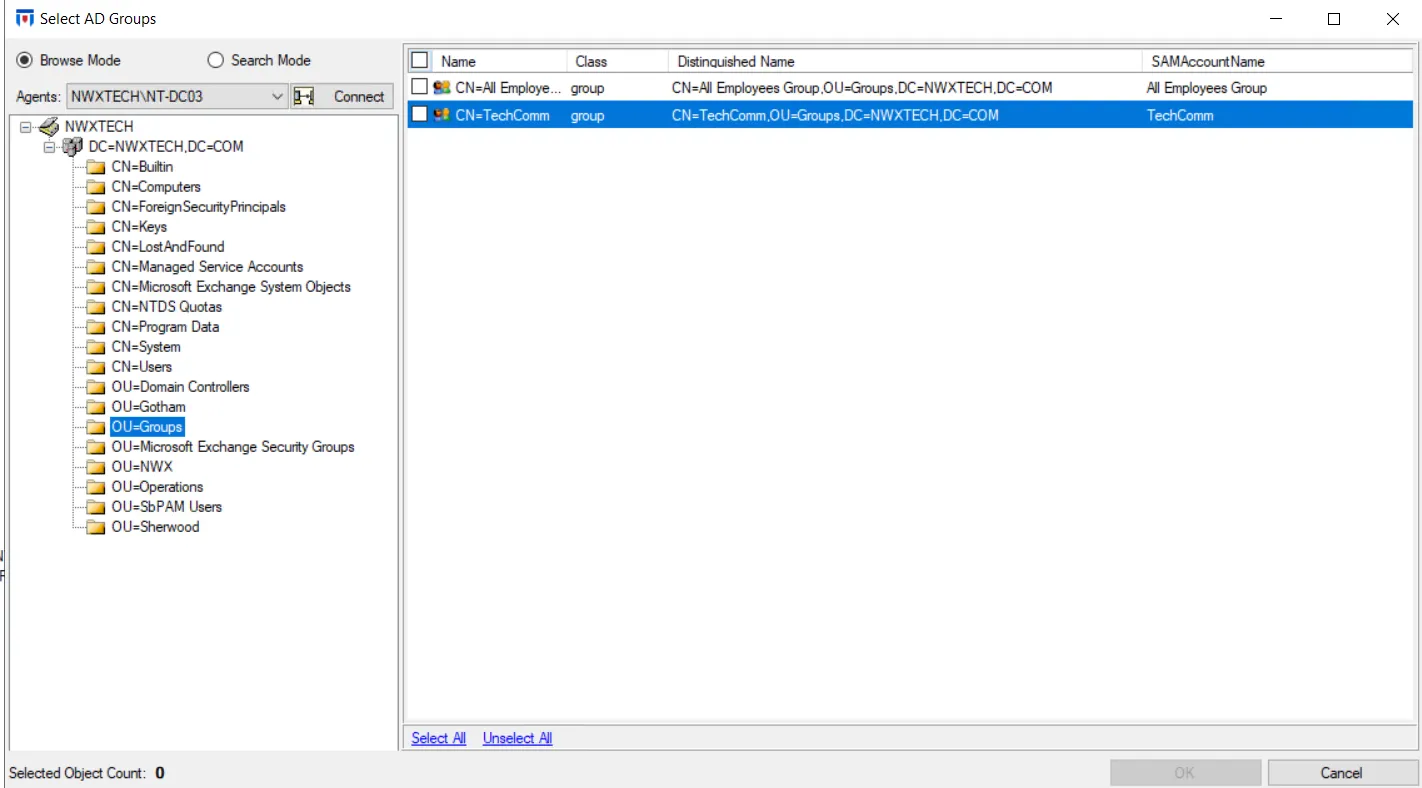
The Select AD Groups window provides a list of available Active Directory groups. Selected objects Threat Prevention adds them to the filter from where you clicked the Add (+) button to open this window.
-
Select either Browse Mode or Search Mode.
-
Select an Agent from the dropdown menu and click Connect.
-
Navigate through the domain tree and check the items you want in the Results pane on the right.
-
Then click OK to close the window.
See the Selection Windows topic for additional information.
The selection appears in the appropriate box of the AD Account filter or the AD Groups filter.