Select Domains and Servers Window
The Select Domains And Servers window provides a list of available domains and servers to either include or exclude. Threat Prevention adds the objects in the Included Domains And Servers list to the appropriate filter from where you clicked the Add (+) button to open this window.
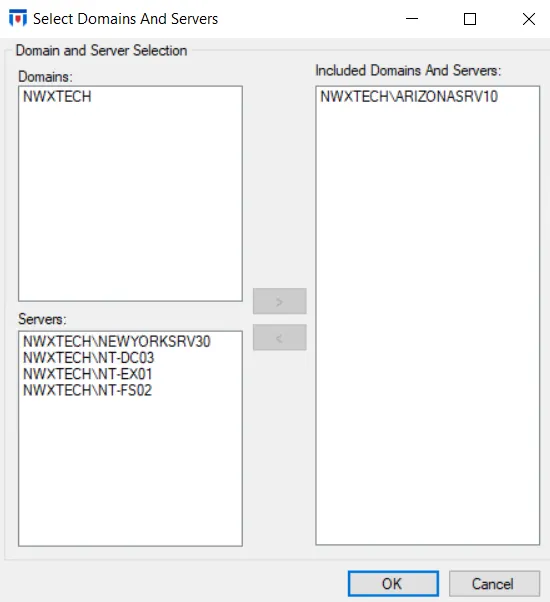
- Select the domain or server from a list on the left and click the Include (
>>) button. The selection moves to the Included Domains And Servers list. Add as many domains and/or servers to the list as desired. - Use the Remove (
<<) button to return the selected item to the list on the left. - When the Included Domains And Servers list is complete, click OK.
The selection appears in the appropriate box of the Domains/Servers filter.