Import the License
Threat Prevention comes with a temporary 6-day license.
To import a license key file and continue using the product:
Step 1 – Contact your Netwrix Sales Representative and request for a license key.
The .key file from sales must contain 'stealthintercept' in its name for Threat Prevention to recognize it and convert it to a .lic file.
Step 2 – Save the license key file to the following folder:
…\Netwrix\Netwrix Threat Prevention\SIEnterpriseManager
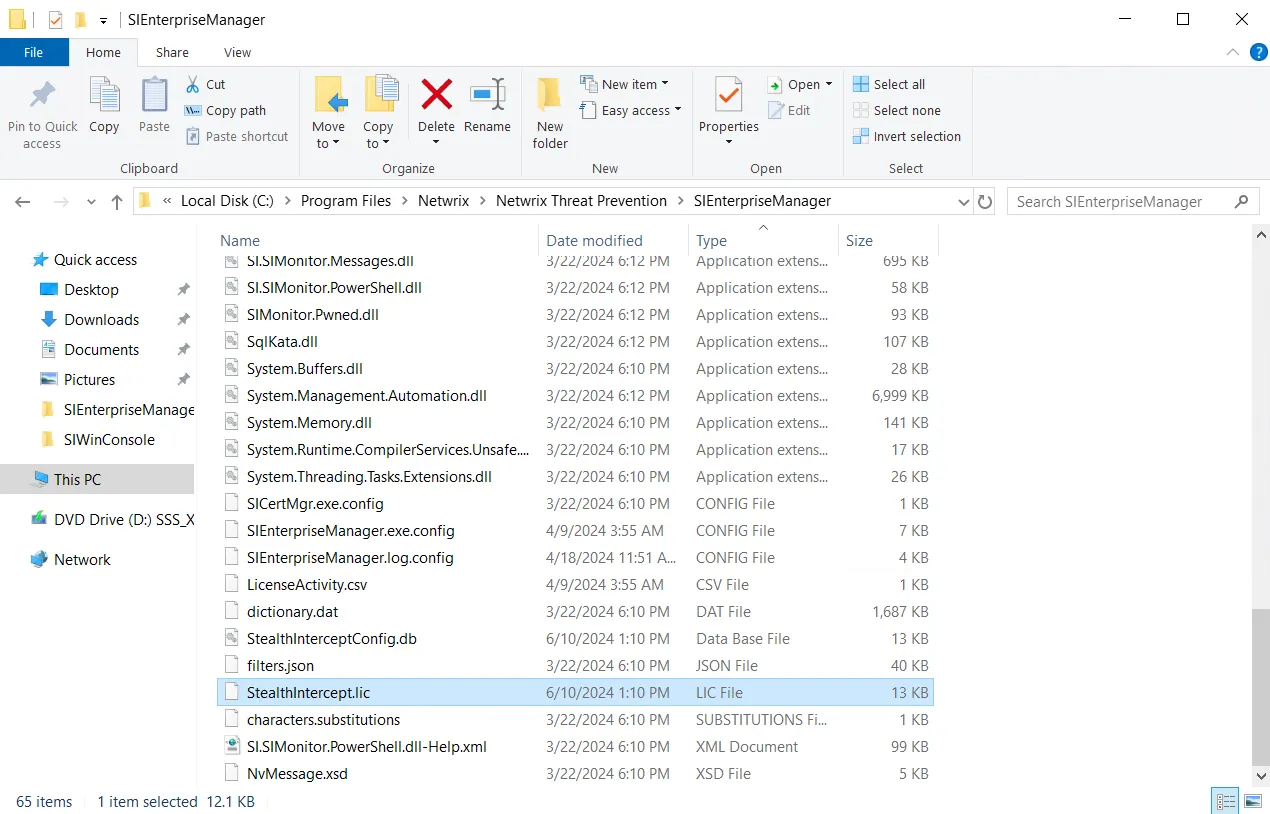
Step 3 – The SIEnterpriseManager service automatically recognizes and imports the file.
Step 4 – (Optional) You often need to restart Enterprise Manager after importing a new license key, which stops the application from alerting about the expired license.
You have now imported the license key. The organization’s license information is available on the License Manager Window.