Install the PostgreSQL Database Application
You can install the PostgreSQL database application on the same server as the application or a different server. If you install it on a different server, you must provide the location of the database server while installing the application.
To install the PostgreSQL database application:
You must install the PostgreSQL database application before the application.
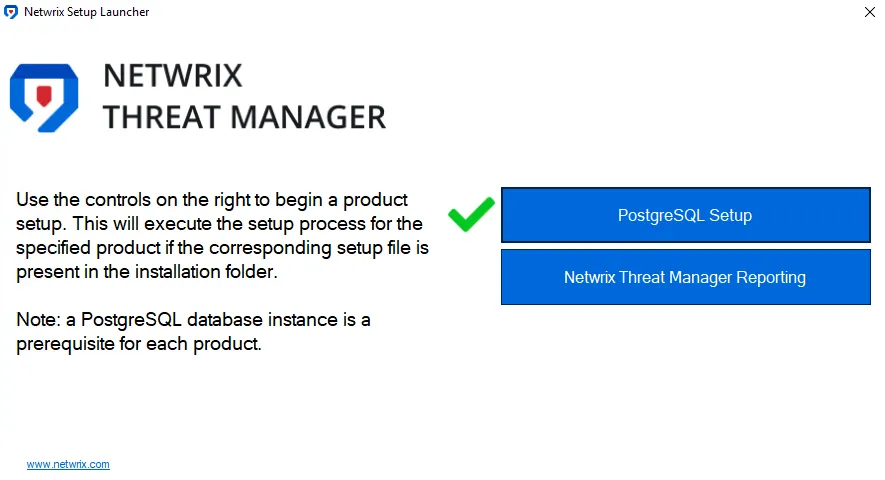
These steps assume you have launched the installer through the Netwrix Setup Launcher
(Netwrix_Setup.exe). If you aren't using the launcher, right-click NetwrixPostgreSQL14.exe
and select Run as administrator. Then skip to Step 2.
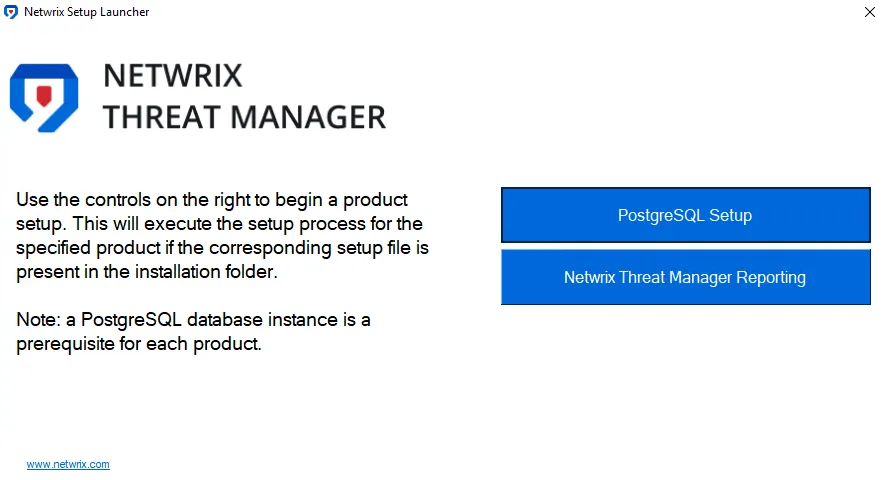
Step 1 – Click PostgreSQL Setup. The Netwrix PostgreSQL Setup wizard opens.

Step 2 – Click Install.
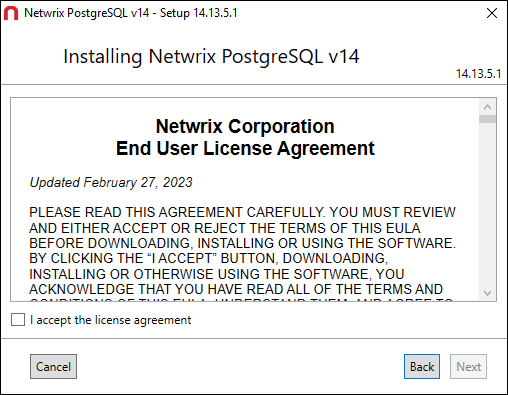
Step 3 – Read the End User License Agreement and select the I accept the license agreement checkbox. Click Next.
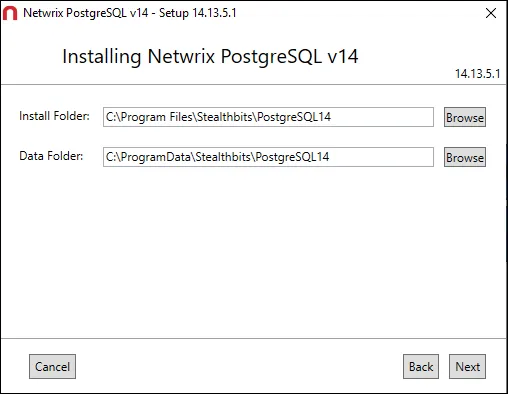
Step 4 – By default, the wizard sets the installation directories to:
- Install Folder – C:\Program Files\Stealthbits\PostgresSQL14
- Data Folder – C:\ProgramData\Stealthbits\PostgresSQL14
Optionally, enter a new path or use the Browse buttons to modify as desired. Click Next.
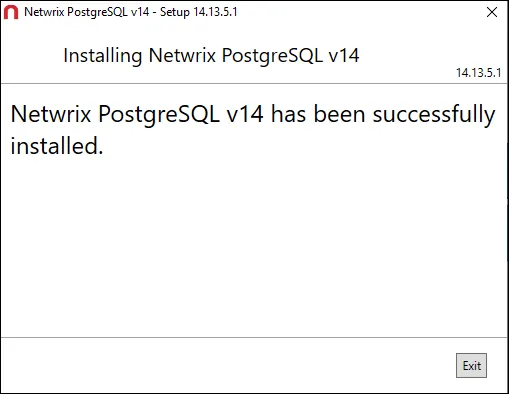
Step 5 – The installation begins and the installer displays a Setup Progress window. Click Exit when the installation is successful. The Netwrix PostgreSQL Setup wizard closes.
The PostgreSQL database application is now installed. Nest you can install the Netwrix Threat Manager Reporting Module application. See the Install the Netwrix Threat Manager Reporting Module topic for additional information.